Nano Banana 2 · Gemini 3.1 Flash Image
Nano Banana 2 AI 画像編集
Google の高速画像モデルをブラウザで。写真をアップロードして変えたいところを書けば約 15 秒で完成し、顔・商品・レイアウトは見分けがつくまま。1 枚 2 クレジットから。
- 約 15 秒
- 参考画像は最大 14 枚
- 1K · 2K · 4K
- 2 クレジットから
- 最初は無料で試せる
Nano Banana 2 で作った画像
このサイトで作った実際の結果と、それぞれのプロンプトです。出発点にどうぞ。
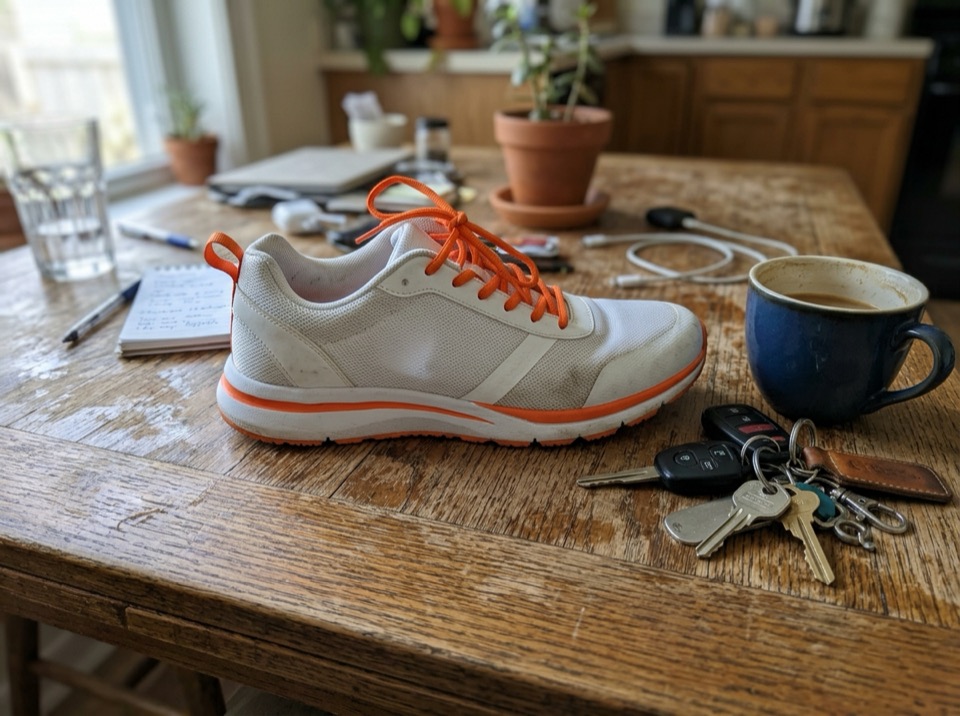
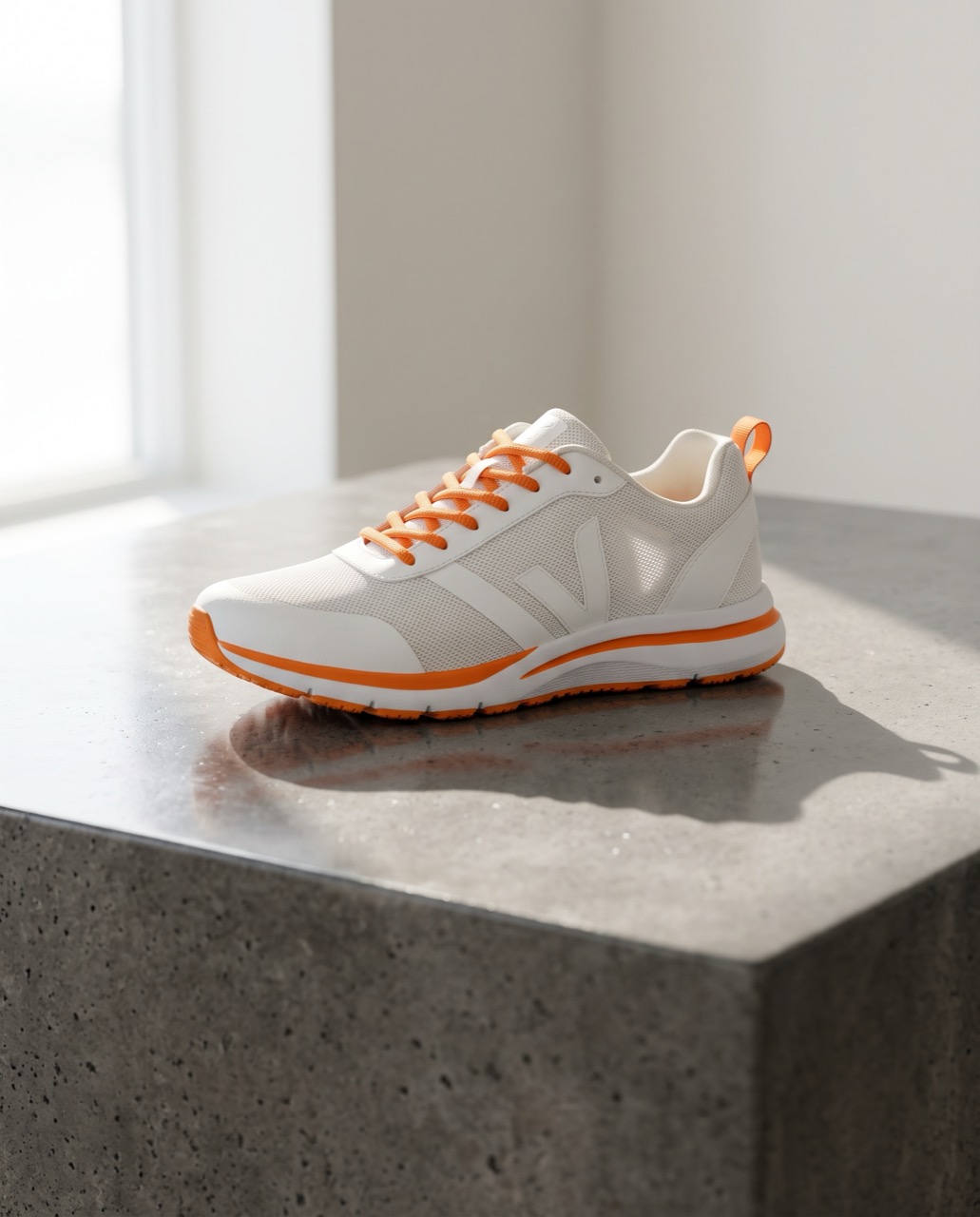 変更前変更後
“Place this sneaker on a polished concrete plinth in a bright studio with soft window light and a long shadow. Keep the shoe's shape, colors and logo exactly the same.”
画像から画像 · Nano Banana 2 · 2K
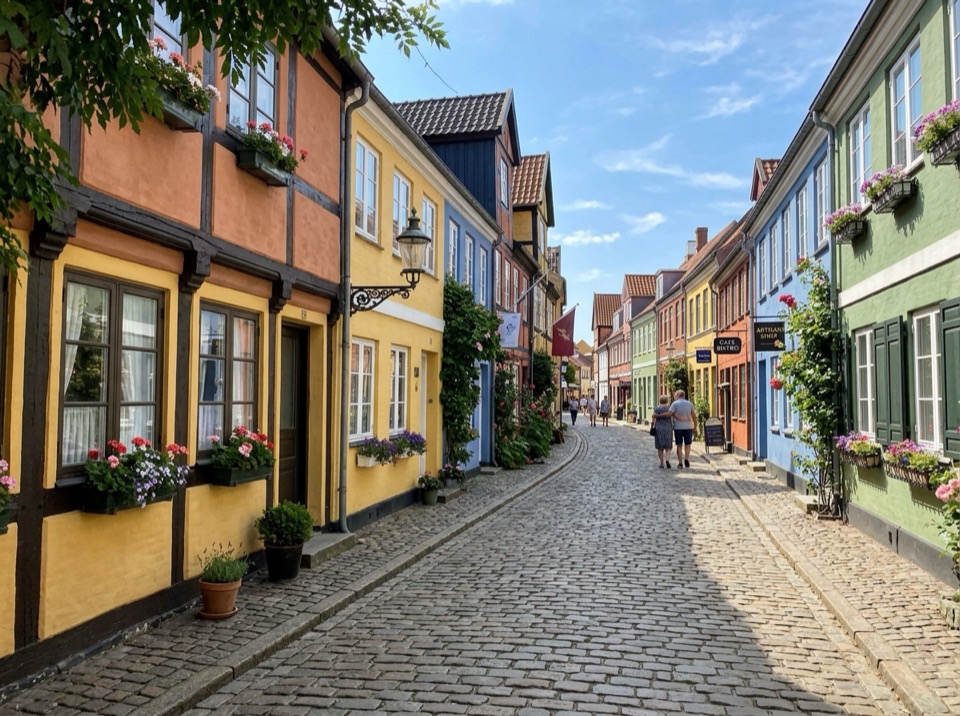
このプロンプトを使う 変更前変更後
“Make it a snowy winter night: snow on the roofs and street, warm light in the windows, falling snow. Keep the buildings and the camera angle.”
画像から画像 · Nano Banana 2 · 2K
このプロンプトを使う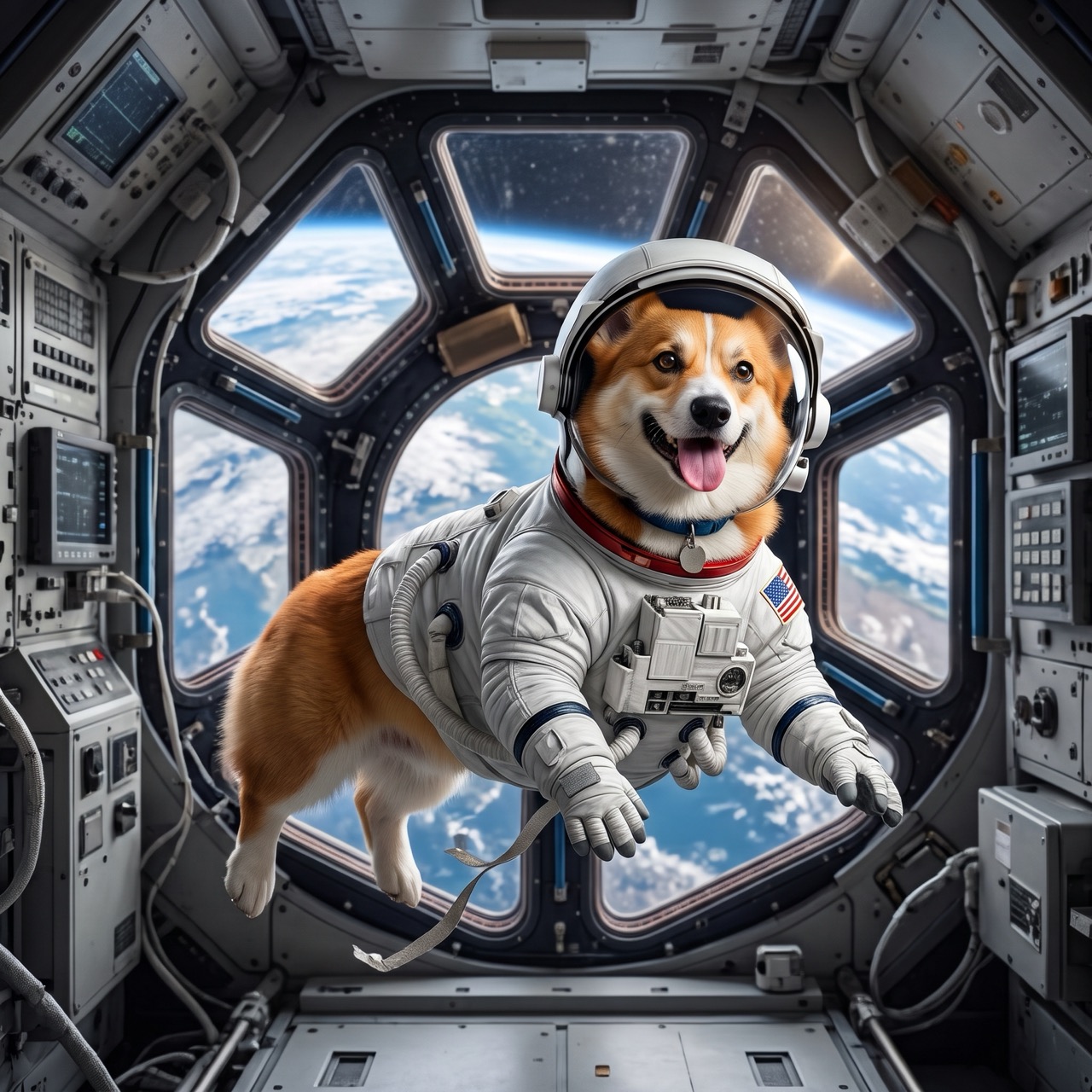 変更前変更後
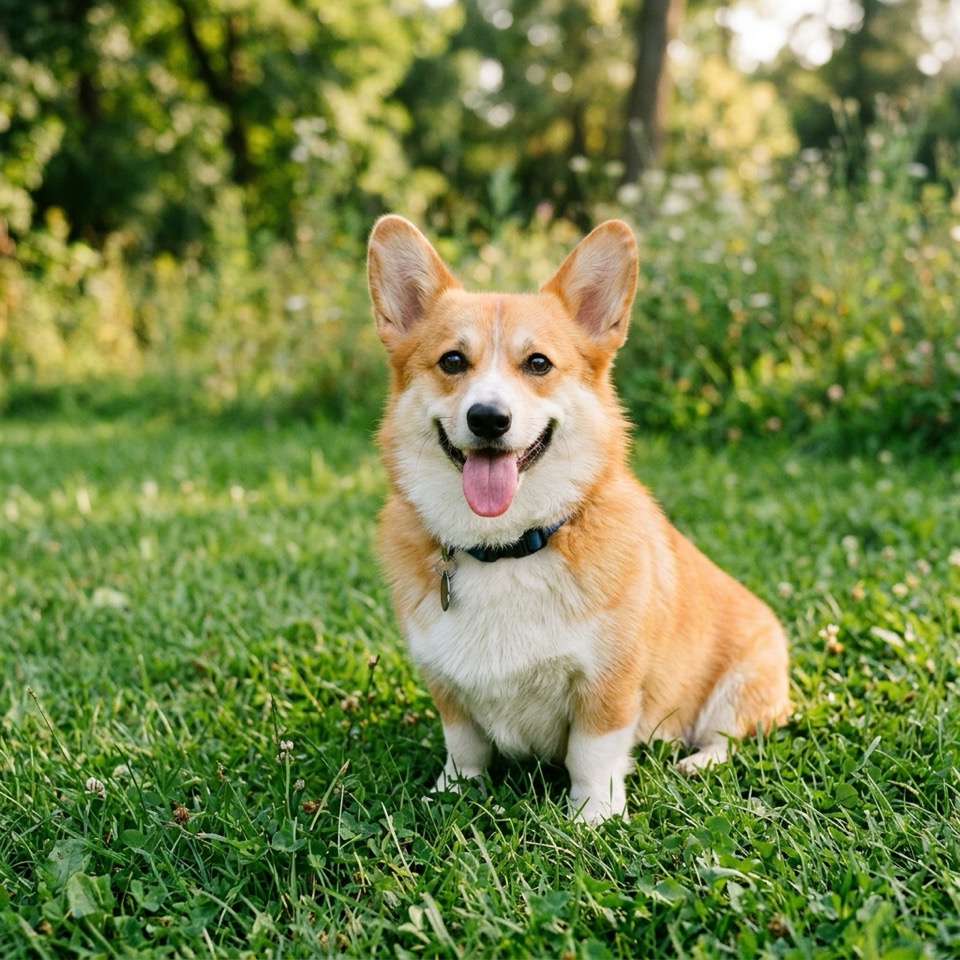
“Put the dog from Image 1 in the astronaut suit from Image 2, floating inside a space station, Earth in the window. Keep the dog's face and fur color.”
画像から画像 · Nano Banana 2 · 2K
このプロンプトを使う
Nano Banana 2 が得意なこと
Nano Banana 2 は、Google が 2026 年 2 月 26 日に公開した画像モデル Gemini 3.1 Flash Image の愛称です。Nano Banana Pro の品質の多くを、より速い Flash モデルにもたらしました。数秒でリアルな編集、読みやすい文字、ひとつのワークフローで最大 5 人のキャラクターと 14 個のオブジェクトの一貫性。
Image To Image AI の標準モデルです。1 枚アップロードすればスタイル変更やレタッチ、複数枚なら合成ができ、プロンプトでは Image 1、Image 2 と呼びます。1K・2K・4K と形を選ぶか、形を「自動」にして元の画像に合わせます。
料金は 1 枚ごとで、生成前にボタンに表示されます。1K なら 2 クレジットから。参考画像は料金に含まれ、失敗した画像は無料です。
Image To Image AI は独立したサービスで、Google、OpenAI、ByteDance とは提携しておらず、承認も受けていません。Nano Banana は Google の Gemini 画像モデルの愛称です。商標は各所有者に帰属します。
- モデル
- Nano Banana 2
- 解像度
- 1K · 2K · 4K
- 参考画像
- 最大 14 枚
- 1 枚あたりのクレジット
1K2 クレジット
2K3 クレジット
4K4 クレジット
使い方
3 ステップ、たいてい 1 分以内。
- 01
画像をアップロード
JPG・PNG・WebP の画像を 1 枚以上(1 枚 10 MB まで)追加します。このステップを飛ばしてテキストから作ることもできます。
- 02
変えたいところを書く
変更点と残すものを普段の言葉で書きます。例:「夕方の光にして、彼女の顔とドレスはそのまま」。複数枚あるときは Image 1、Image 2 と呼びます。
- 03
生成してダウンロード
モデル・解像度・形を選び、ボタンの価格を確認して、できあがったらダウンロード。
どのモデルを使えばいい?
まずは Nano Banana 2。文字をもっときれいに、指示にもっと忠実に、もっと安く、というときに切り替えましょう。
| Nano Banana 2 | Nano Banana Pro | GPT Image 2 | Seedream 5.0 Flash | |
|---|---|---|---|---|
| 向いている用途 | 顔や商品を保ったままの日常的な編集 | 丁寧な編集と画像内の文字 | 細かい指示、ポスター、文字組み | 手早く安い下書き |
| 解像度 | 1K / 2K / 4K | 1K / 2K / 4K | 1K / 2K / 4K | 1K / 2K |
| 参考画像 | 最大 14 枚 | 最大 14 枚 | 最大 14 枚 | 最大 10 枚 |
| 目安の時間 | 約 15 秒 | 約 50 秒 | 約 20 秒 | 約 15 秒 |
| 料金 | 2 クレジットから | 4 クレジットから | 2 クレジットから | 2 クレジットから |
Nano Banana 2 についての質問
Nano Banana 2 は Google の Gemini 3.1 Flash Image モデルで、2026 年 2 月 26 日に公開されました。Flash の速さで画像を生成・編集し、最大 4K で出力、被写体の一貫性にも優れます。Image To Image AI では Nano Banana Pro、GPT Image 2、Seedream と並べてブラウザで使えます。
はい、最初は無料です。新規アカウントには 10 クレジット(Nano Banana 2 の 1K 画像 5 枚分)。毎日のチェックインで Nano Banana 2 の 1K 画像が 1 枚無料になり、連続日数に応じてボーナスクレジットも。その後のいちばん小さいパックは 300 クレジットで $9.99 です。
速さと価格なら Nano Banana 2:約 15 秒、2 クレジットから。最も丁寧な編集や長めの文字には Nano Banana Pro:約 50 秒で料金は高め。切り替えてもプロンプトと画像はそのままです。
1 回の編集で 14 枚まで。Google の目安ではオブジェクト画像 10 枚とキャラクター画像 4 枚までです。プロンプトで Image 1、Image 2 と呼んで、どれが何かを伝えてください。
1K・2K・4K。比率は 21:9〜9:16 の 10 種類か、1 枚目の画像の形を保つ「自動」です。
はい。作った画像は自由に使えます。ただし、プロンプトやアップロードした画像が他人の権利を侵害しないことが条件です。Google のモデルで作った画像には見えない透かし SynthID が入ります。詳しくは利用規約をご覧ください。