AI 画像編集
AI 画像編集:説明するだけで写真が変わる
レイヤーもブラシもマスクも不要。写真をアップロードして変えたいことを普段の言葉で書けば、数秒で編集済みの画像に。残したい部分はそのままです。
- マスクもレイヤーも不要
- 4 つの AI モデル
- 最大 4K
- アップロードは 30 日後に削除
- 最初は無料で試せる
このサイトでの写真編集の例
このサイトで作った実際の結果と、それぞれのプロンプトです。出発点にどうぞ。
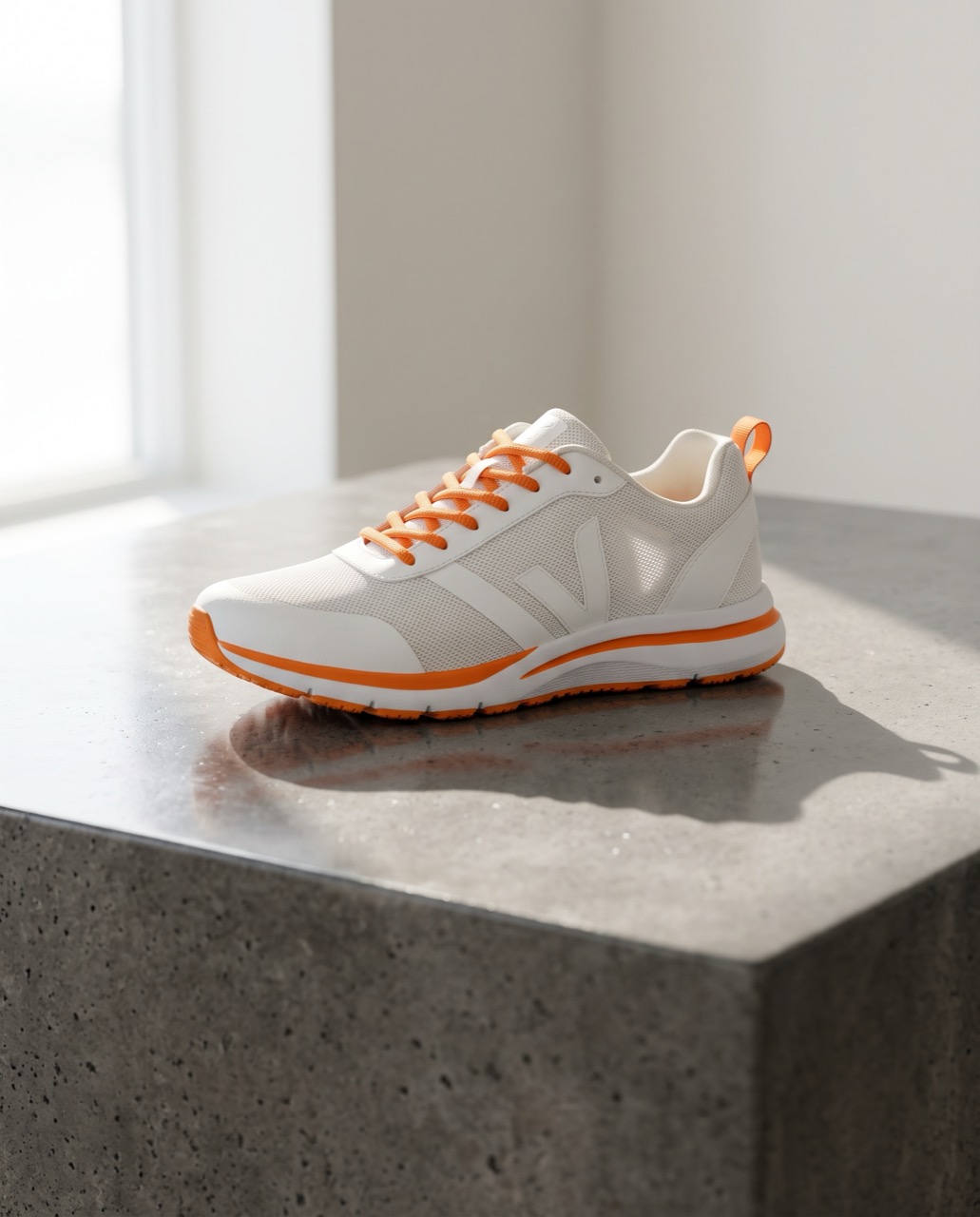 変更前変更後
“Place this sneaker on a polished concrete plinth in a bright studio with soft window light and a long shadow. Keep the shoe's shape, colors and logo exactly the same.”
画像から画像 · Nano Banana 2 · 2K
このプロンプトを使う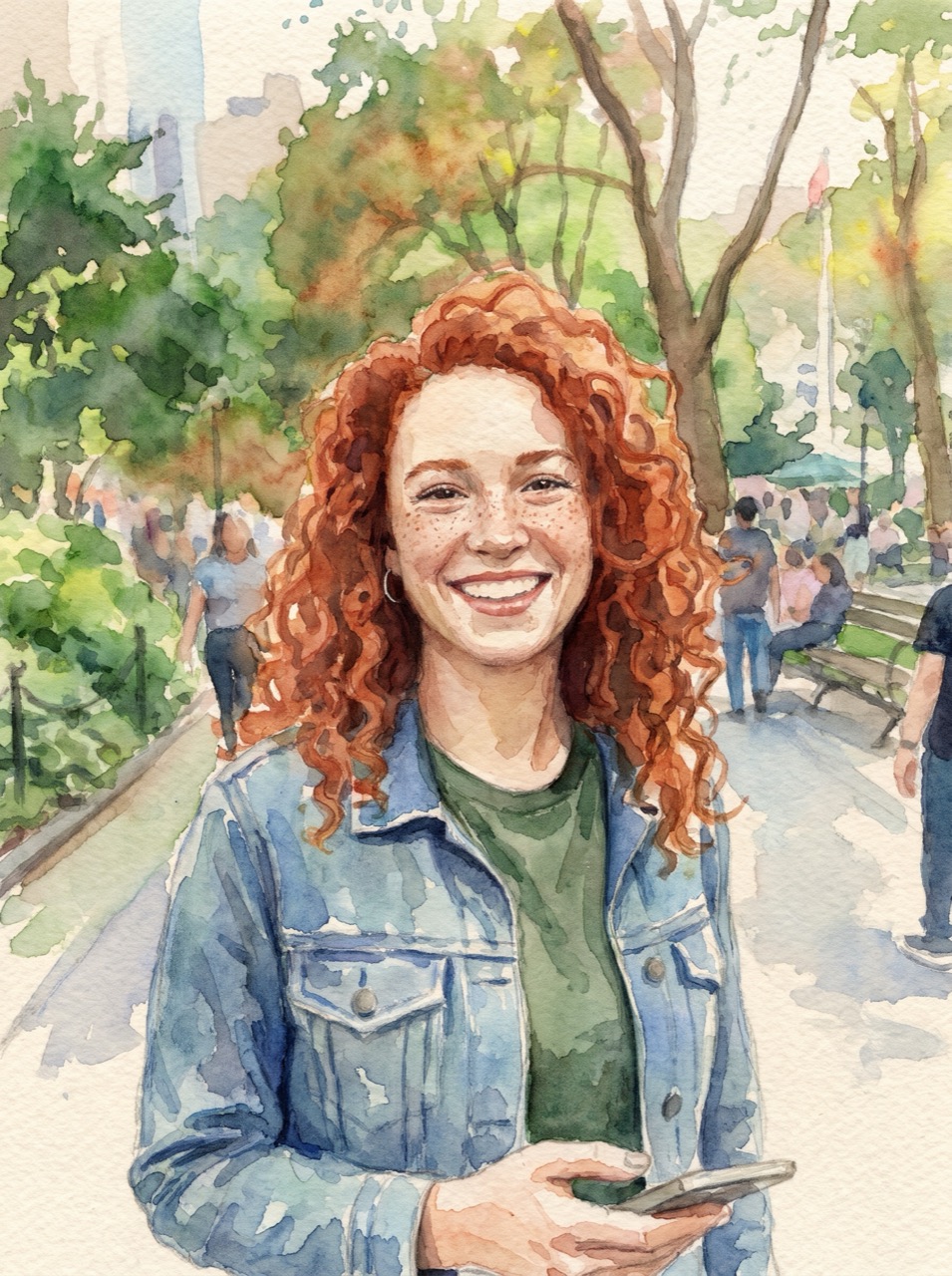 変更前変更後
“Turn this photo into a loose watercolor illustration on textured paper. Keep her face, hair and pose recognizable.”
画像から画像 · Nano Banana Pro · 2K
このプロンプトを使う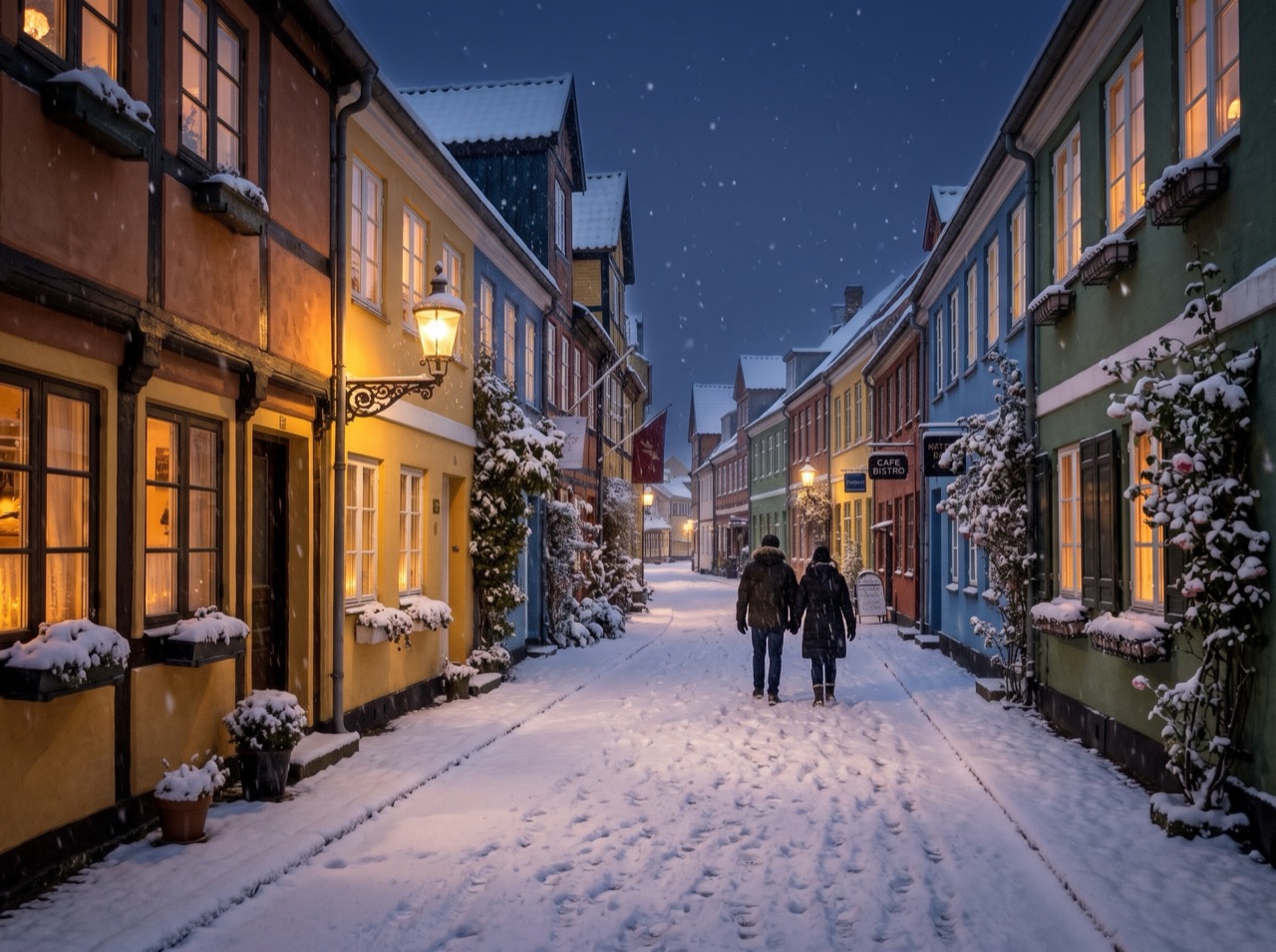 変更前変更後
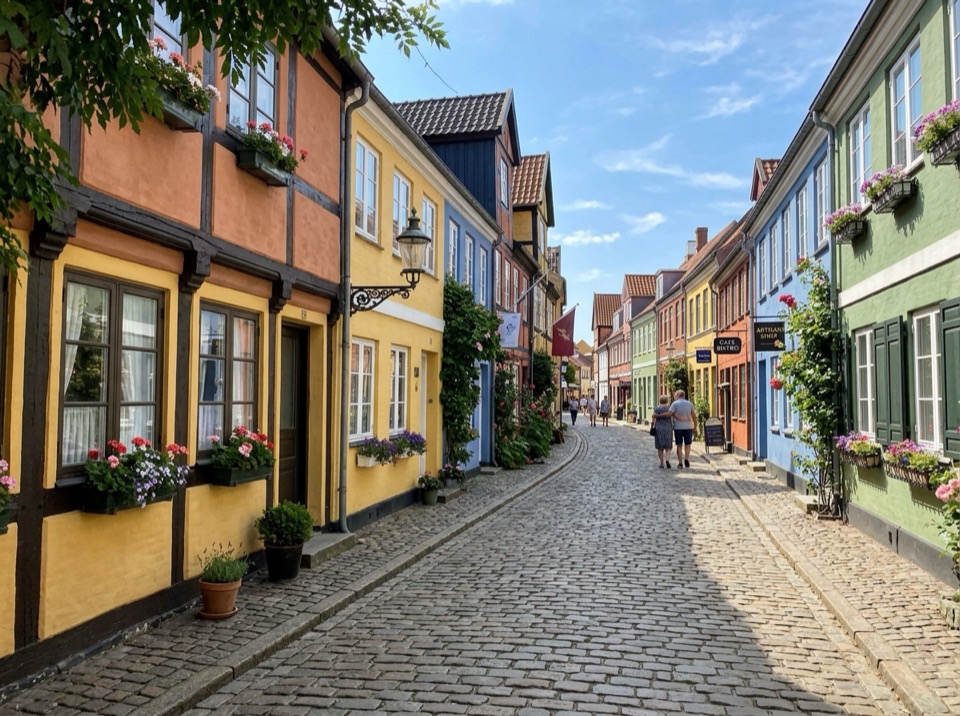
“Make it a snowy winter night: snow on the roofs and street, warm light in the windows, falling snow. Keep the buildings and the camera angle.”
画像から画像 · Nano Banana 2 · 2K
このプロンプトを使う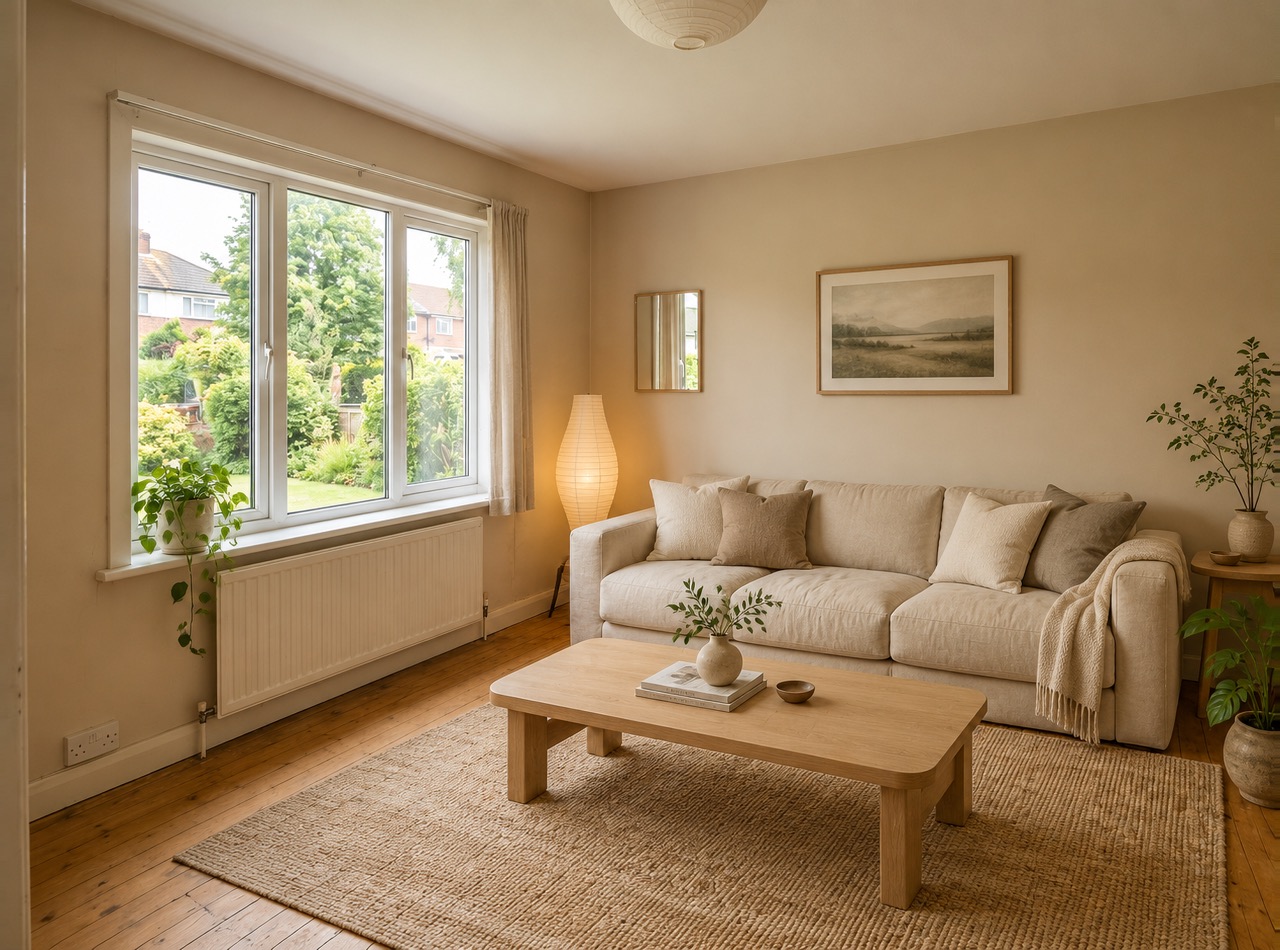 変更前変更後
“Restyle this living room in a warm Japandi style: light oak, linen sofa, paper lamp, a few plants. Keep the windows, walls and layout.”
画像から画像 · GPT Image 2 · 2K
このプロンプトを使う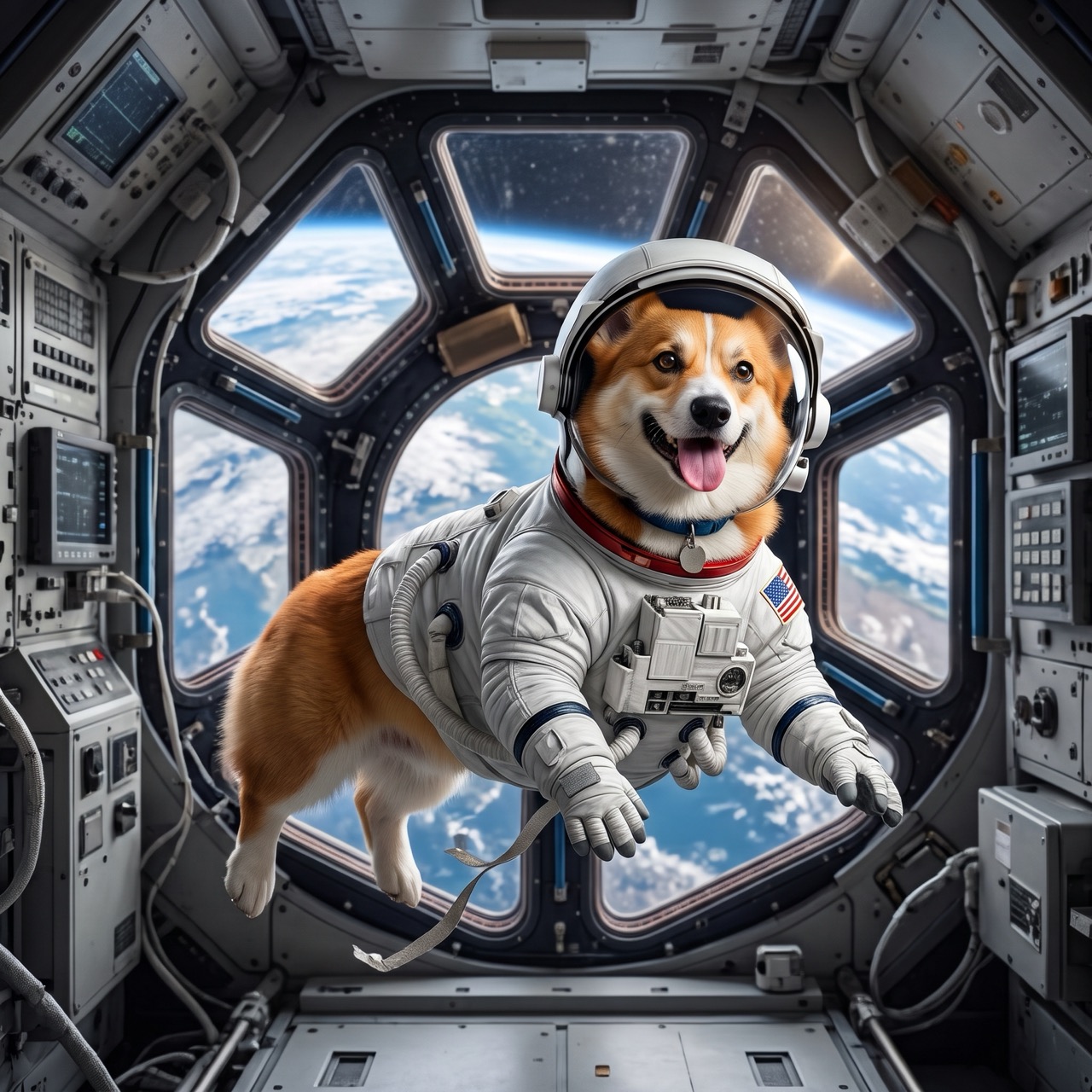 変更前変更後
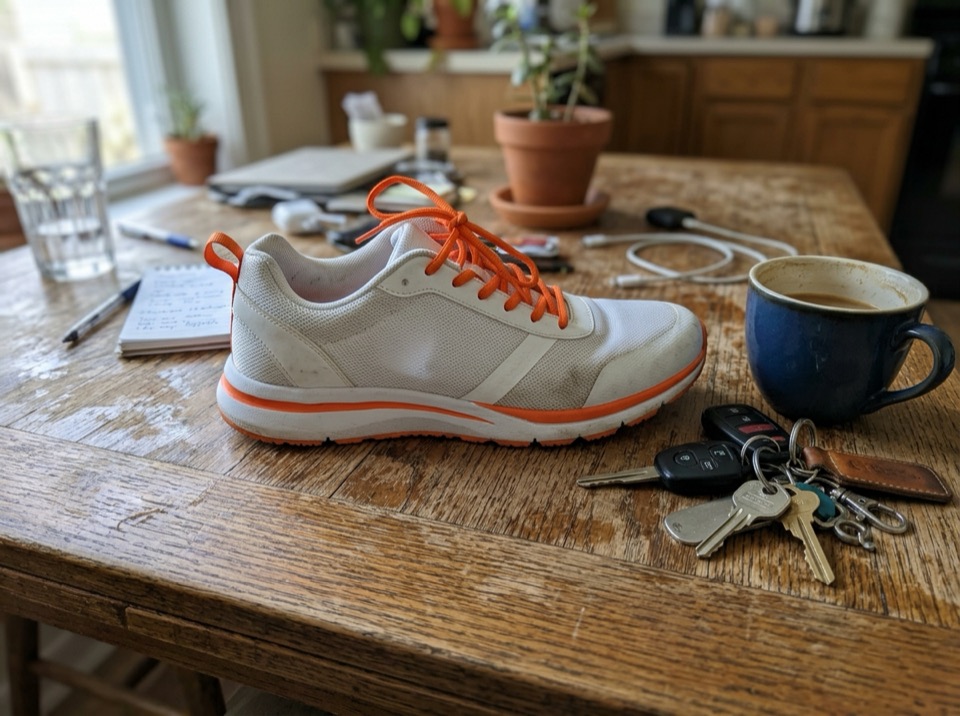
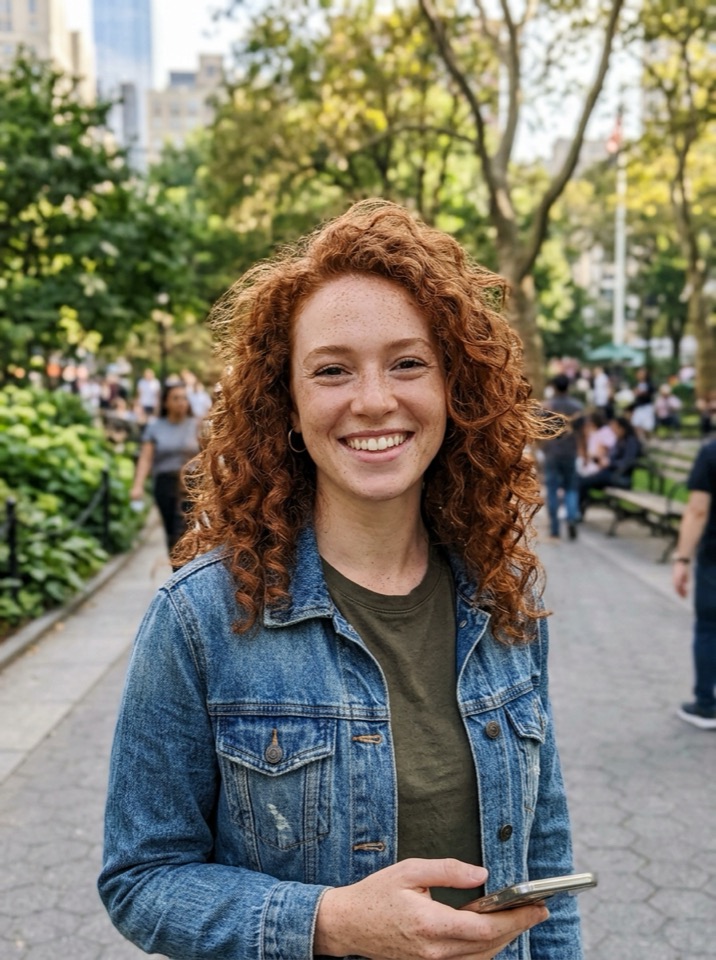
“Put the dog from Image 1 in the astronaut suit from Image 2, floating inside a space station, Earth in the window. Keep the dog's face and fur color.”
画像から画像 · Nano Banana 2 · 2K
このプロンプトを使う
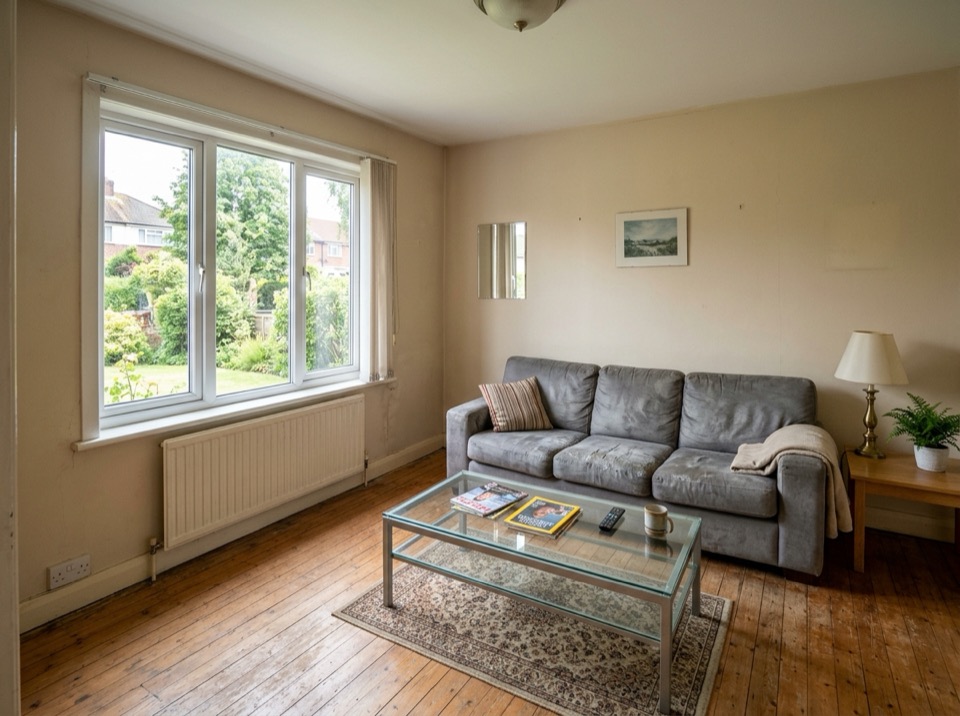
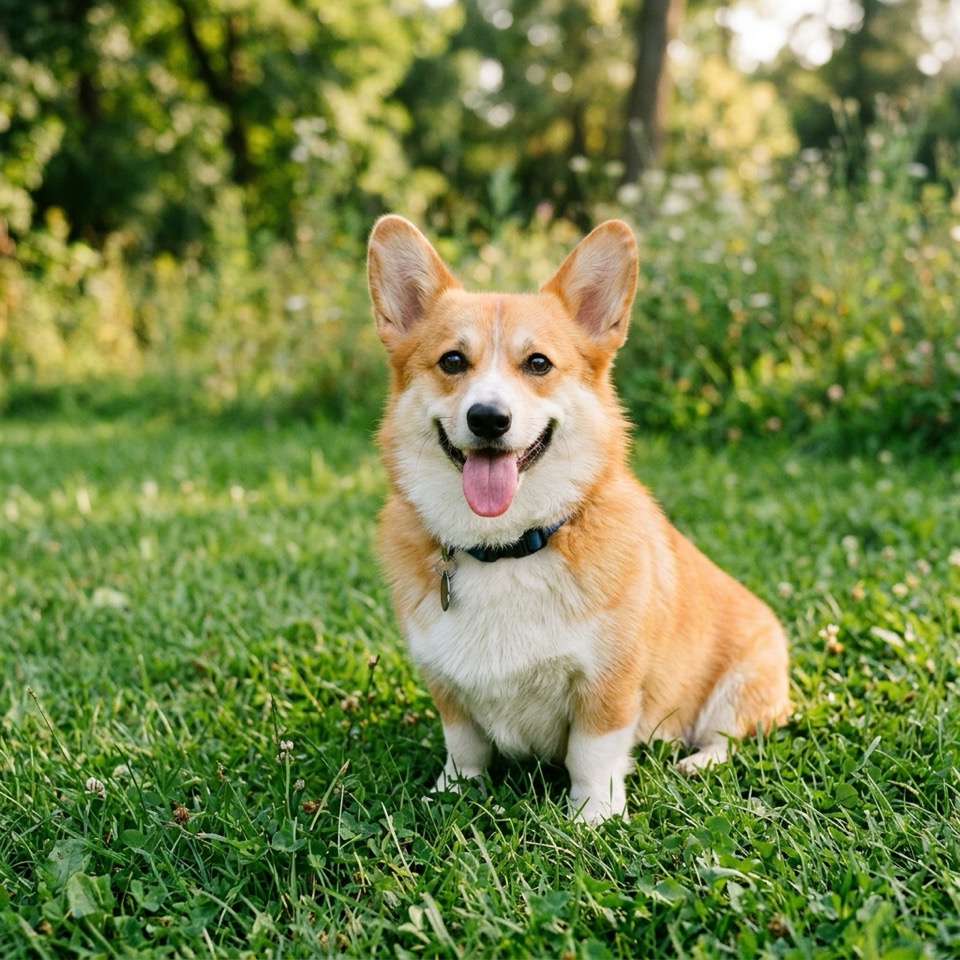
レタッチャーに頼むように写真を編集
AI 画像編集は、ツールではなく指示で画像を変えます。「背景の人を消して」「雪の夕方にして」「ソファを緑に」。モデルが指している部分を見つけて変え、残りをなじむように描き直します。
変えるものと同じくらいはっきり、残すものも書きましょう(「彼女の顔とポーズはそのまま」)。1 回の編集で変えるのは 1〜2 か所に。結果をもう一度アップロードしてさらに編集できます。標準は Nano Banana 2、文字や長い指示には Nano Banana Pro と GPT Image 2 が最適です。
画像は 10 MB までの JPG・PNG・WebP。スマホの HEIC 写真や大きすぎるファイルはブラウザで自動的に JPEG に変換されます。アップロードは 30 日後に削除されます。
Image To Image AI は独立したサービスで、Google、OpenAI、ByteDance とは提携しておらず、承認も受けていません。Nano Banana は Google の Gemini 画像モデルの愛称です。商標は各所有者に帰属します。
使い方
3 ステップ、たいてい 1 分以内。
- 01
画像をアップロード
JPG・PNG・WebP の画像を 1 枚以上(1 枚 10 MB まで)追加します。このステップを飛ばしてテキストから作ることもできます。
- 02
変えたいところを書く
変更点と残すものを普段の言葉で書きます。例:「夕方の光にして、彼女の顔とドレスはそのまま」。複数枚あるときは Image 1、Image 2 と呼びます。
- 03
生成してダウンロード
モデル・解像度・形を選び、ボタンの価格を確認して、できあがったらダウンロード。
AI 画像編集についての質問
上で写真をアップロードし、変えるものと残すものを書いて「生成」を押します。編集済みの画像はたいてい 10〜60 秒で完成。ダウンロードするか、もう一度アップロードして次の編集へ。
背景、光、時間帯、天気、服、色、髪型、物(追加・削除)、スタイル(水彩、3D、アニメ)、看板やパッケージの文字。複数の画像を組み合わせて、商品を新しいシーンに置くこともできます。
はっきり頼めば、たいていは。「顔・髪型・表情はまったく同じに」と書きましょう。人物の一貫性がいちばん高いのは Nano Banana 2 と Nano Banana Pro です。ポーズや角度を大きく変えると、本人らしさは保ちにくくなります。
無料で始められます。新規アカウントには 10 クレジット(Nano Banana 2 画像 5 枚分)、さらに毎日のチェックインで Nano Banana 2 の 1K 画像が 1 枚無料。その後の編集は 2 クレジットからです。
2 クレジット(Nano Banana 2、1K)から 6 クレジット(Nano Banana Pro、4K)まで。いちばん小さいパックなら基本の編集 1 回約 $0.07。サブスクはありません。
はい。アップロードした画像と結果はあなたにしか見えず、サイトの作例に使うこともありません。アップロードは 30 日後に削除され、結果は削除するまで残ります。