AI 背景変更
AI 背景変更
写真をアップロードして、新しい背景を説明するだけ。すっきりしたスタジオ、晴れた街角、大理石のカウンター。人物や商品はそのままで、光と影は新しいシーンになじみます。
- 人物にも商品にも
- どんな背景も言葉で
- 被写体はそのまま
- 最大 4K
- 最初は無料で試せる
このサイトでの背景変更の例
このサイトで作った実際の結果と、それぞれのプロンプトです。出発点にどうぞ。
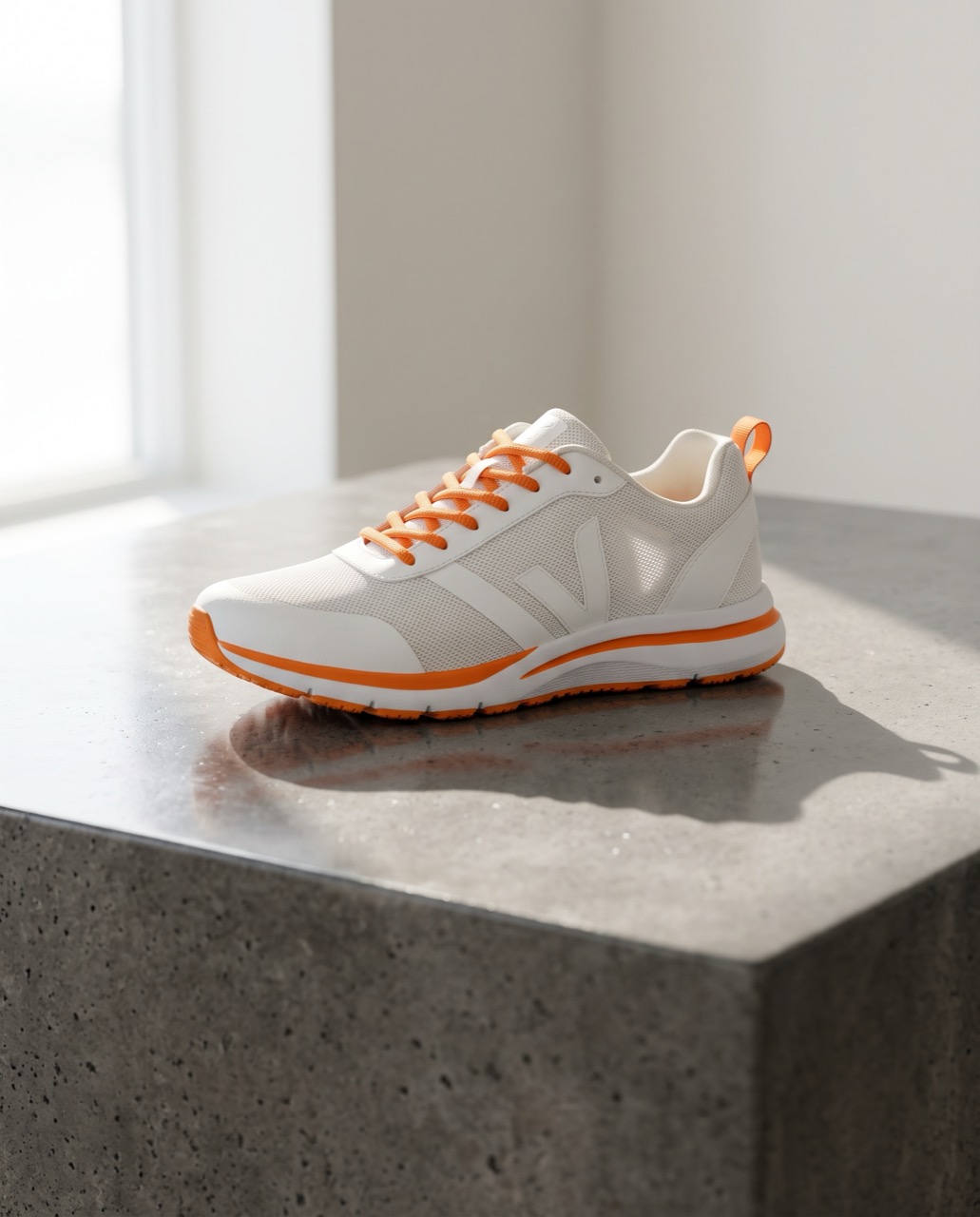 変更前変更後
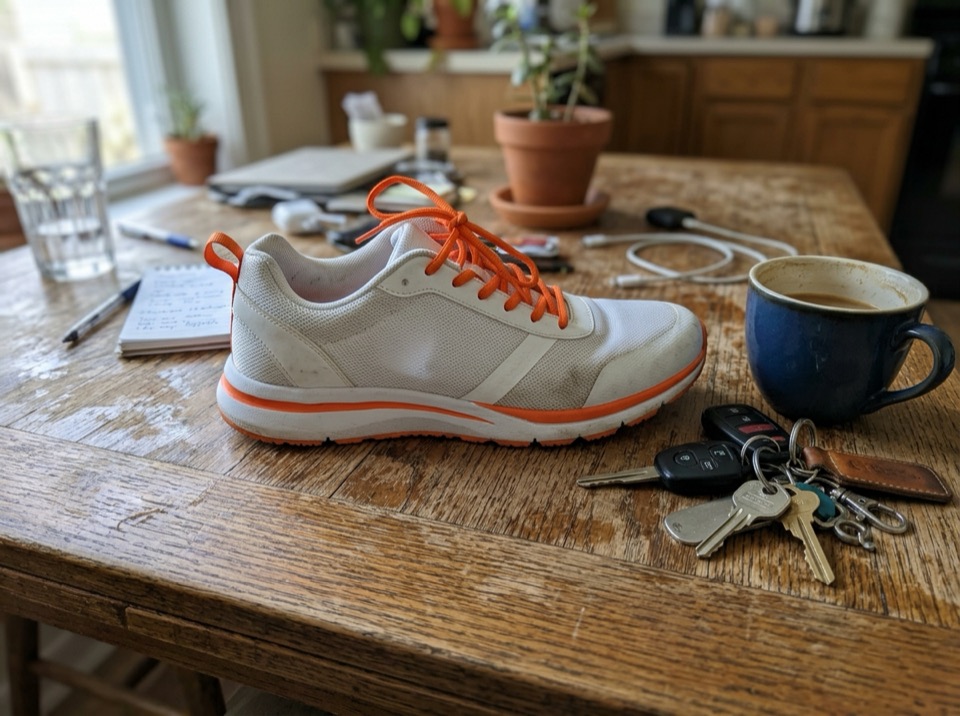
“Place this sneaker on a polished concrete plinth in a bright studio with soft window light and a long shadow. Keep the shoe's shape, colors and logo exactly the same.”
画像から画像 · Nano Banana 2 · 2K
このプロンプトを使う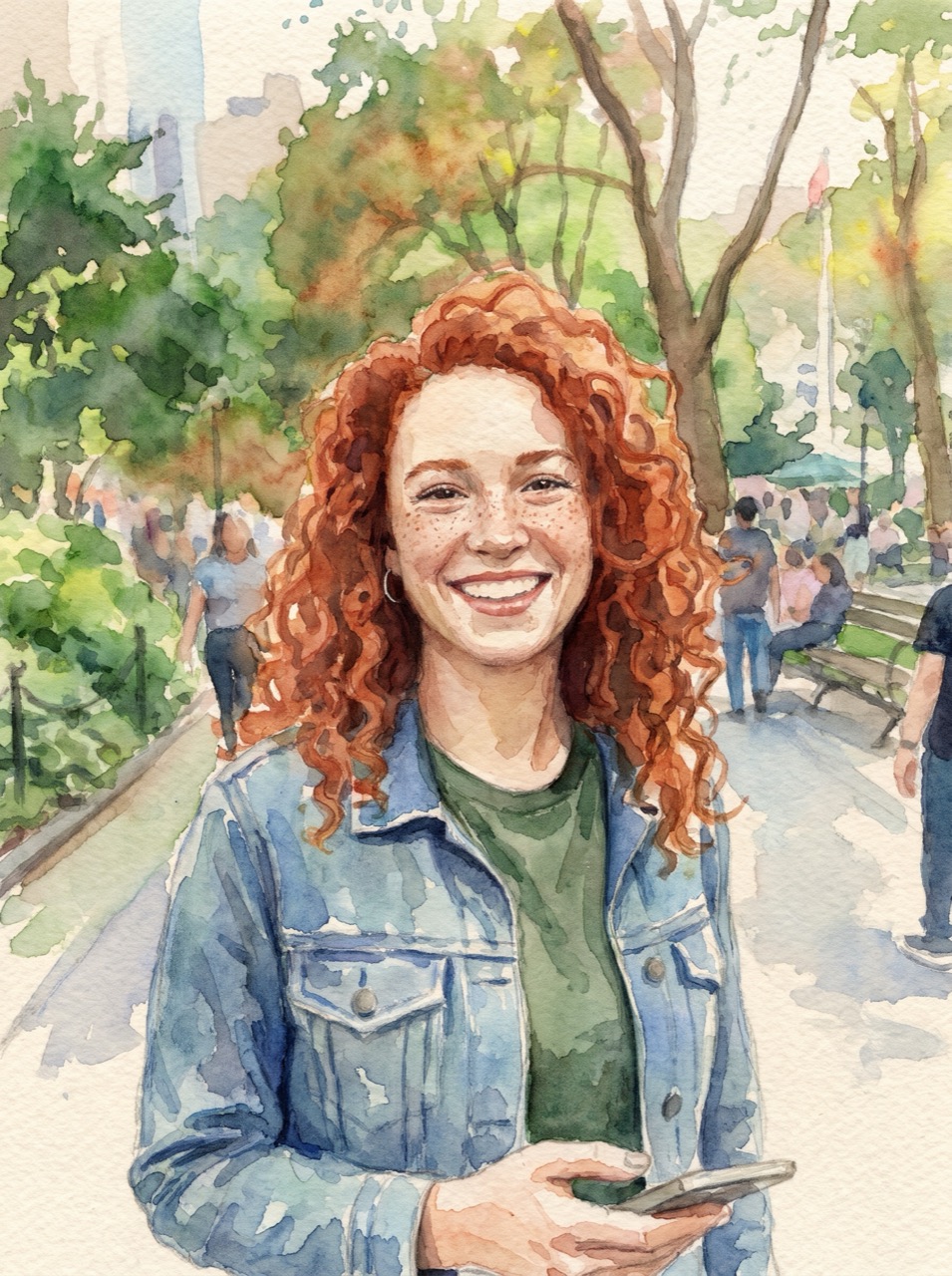 変更前変更後
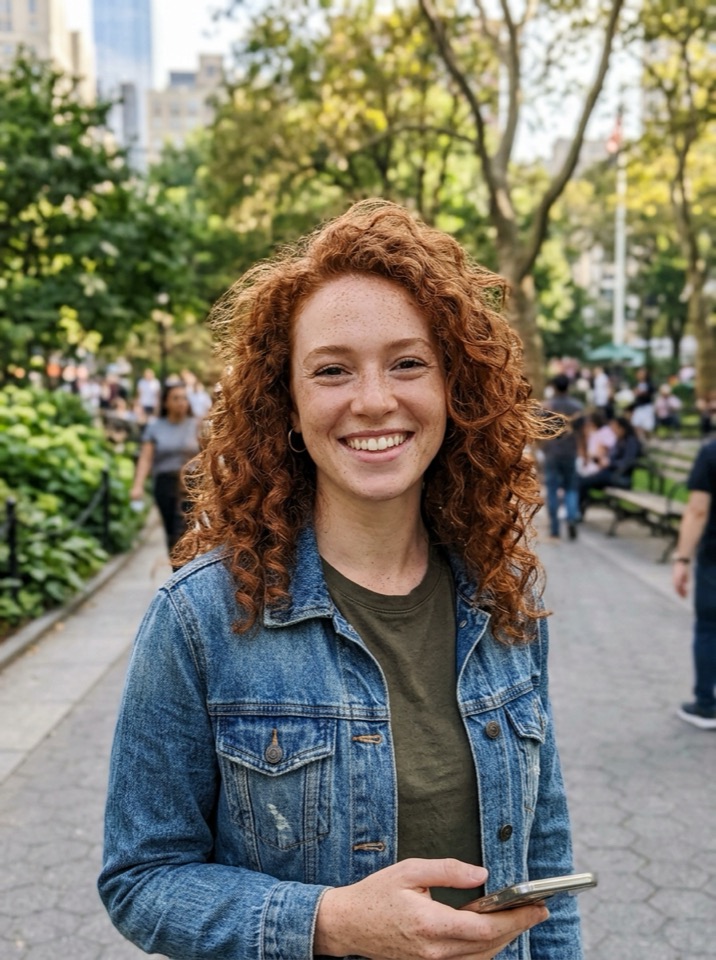
“Turn this photo into a loose watercolor illustration on textured paper. Keep her face, hair and pose recognizable.”
画像から画像 · Nano Banana Pro · 2K
このプロンプトを使う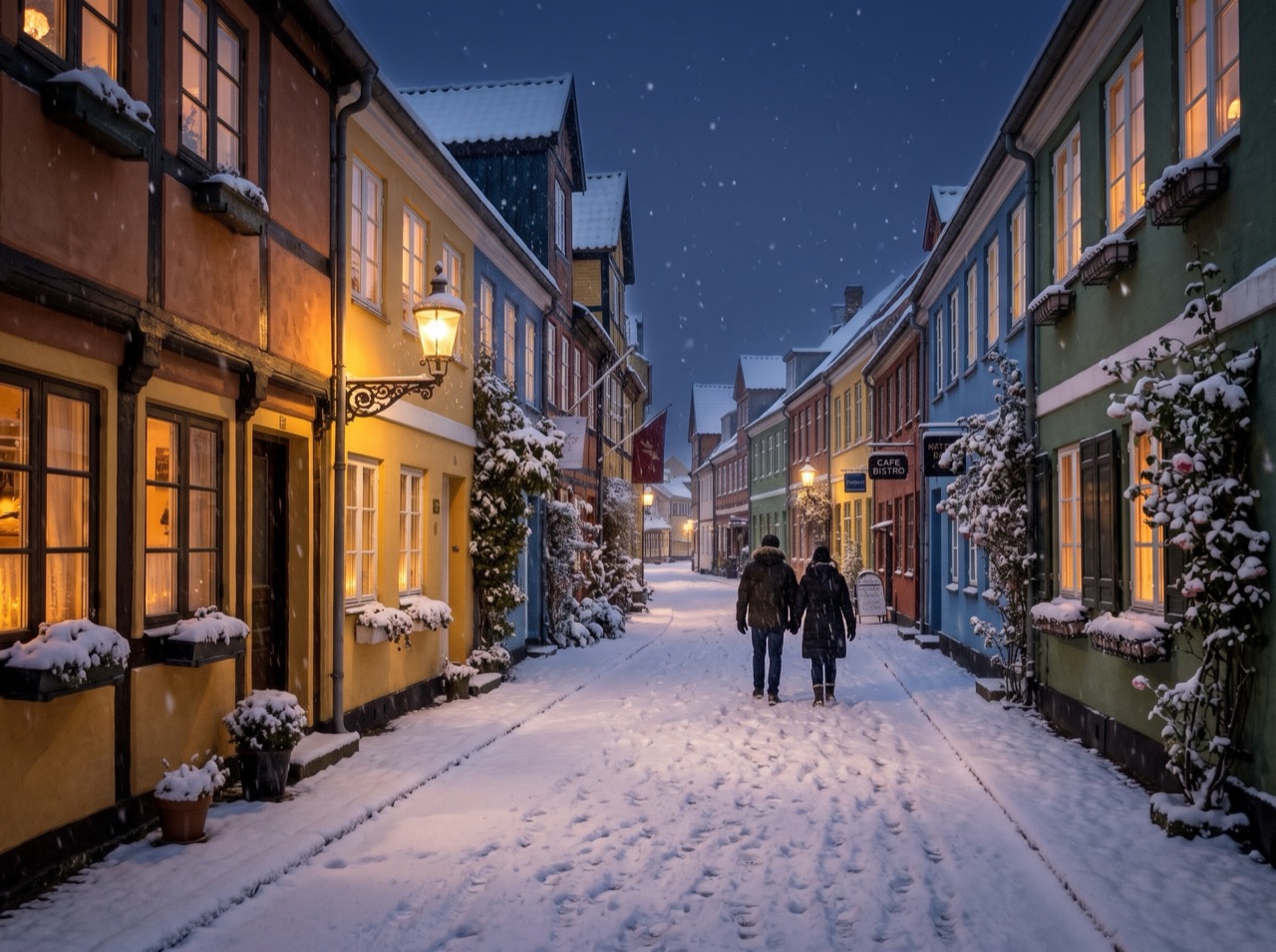 変更前変更後
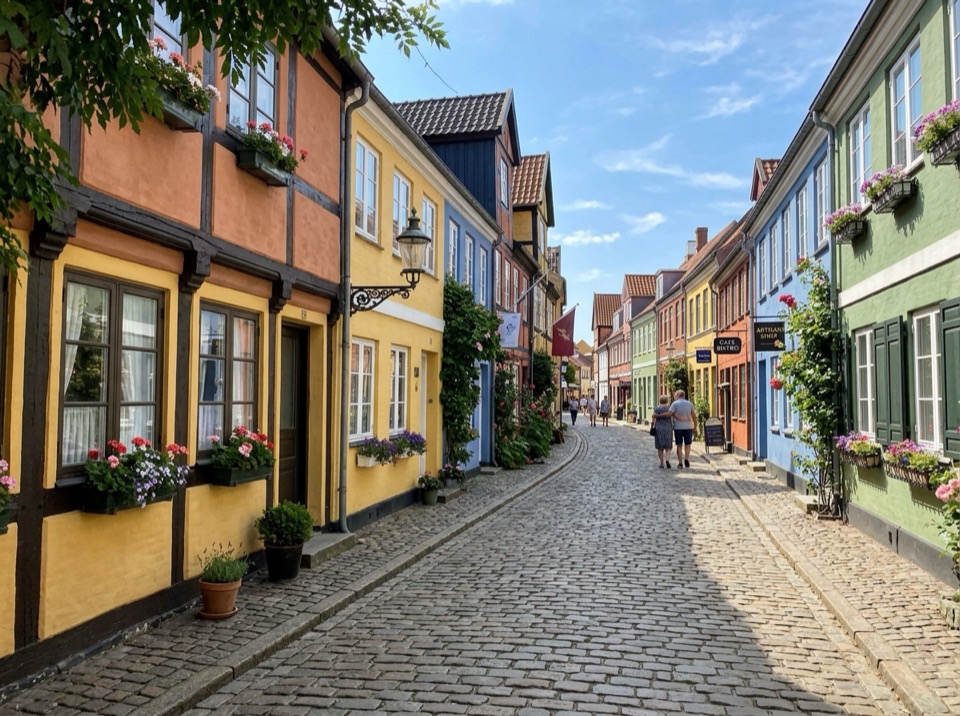
“Make it a snowy winter night: snow on the roofs and street, warm light in the windows, falling snow. Keep the buildings and the camera angle.”
画像から画像 · Nano Banana 2 · 2K
このプロンプトを使う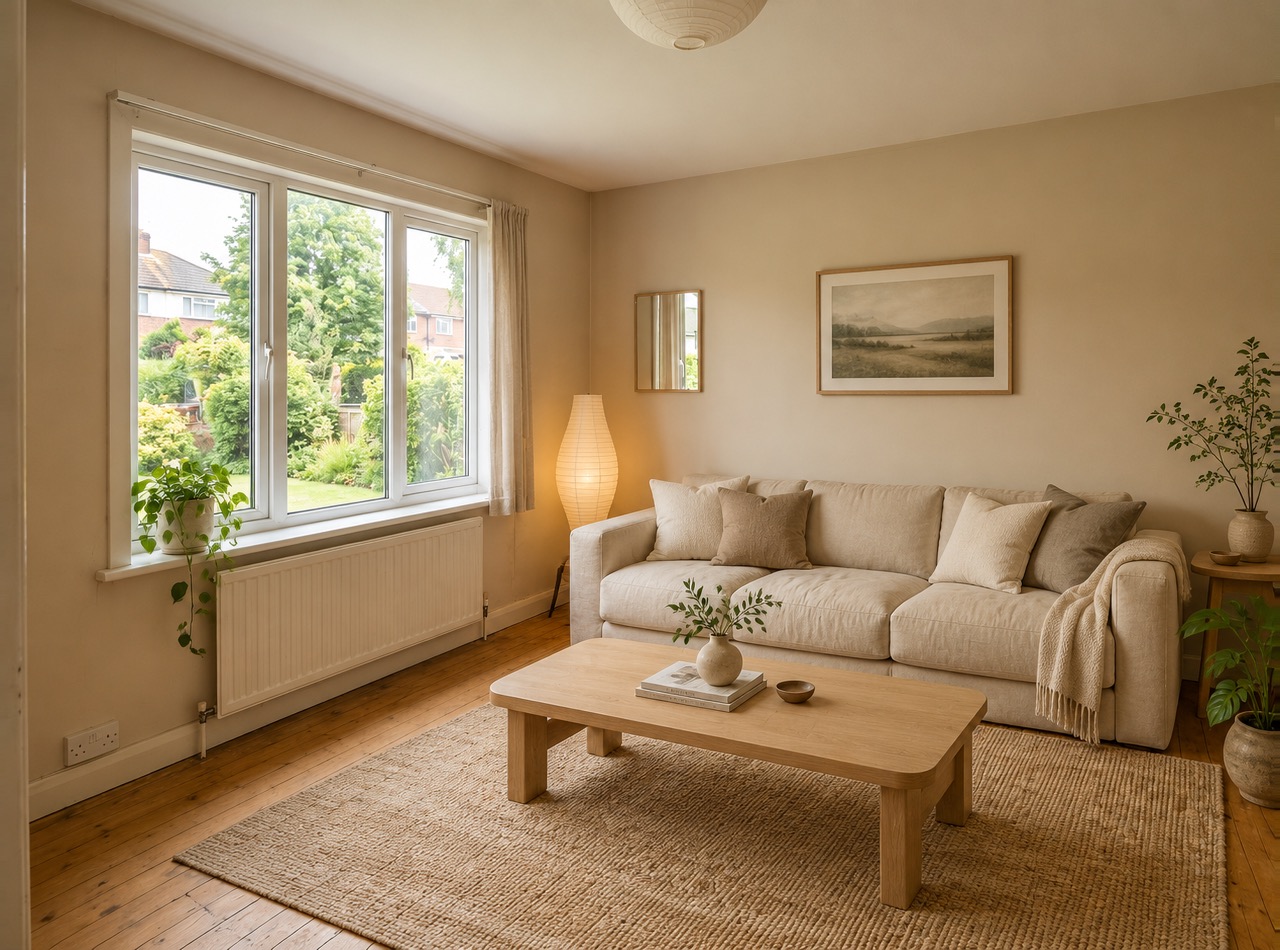 変更前変更後
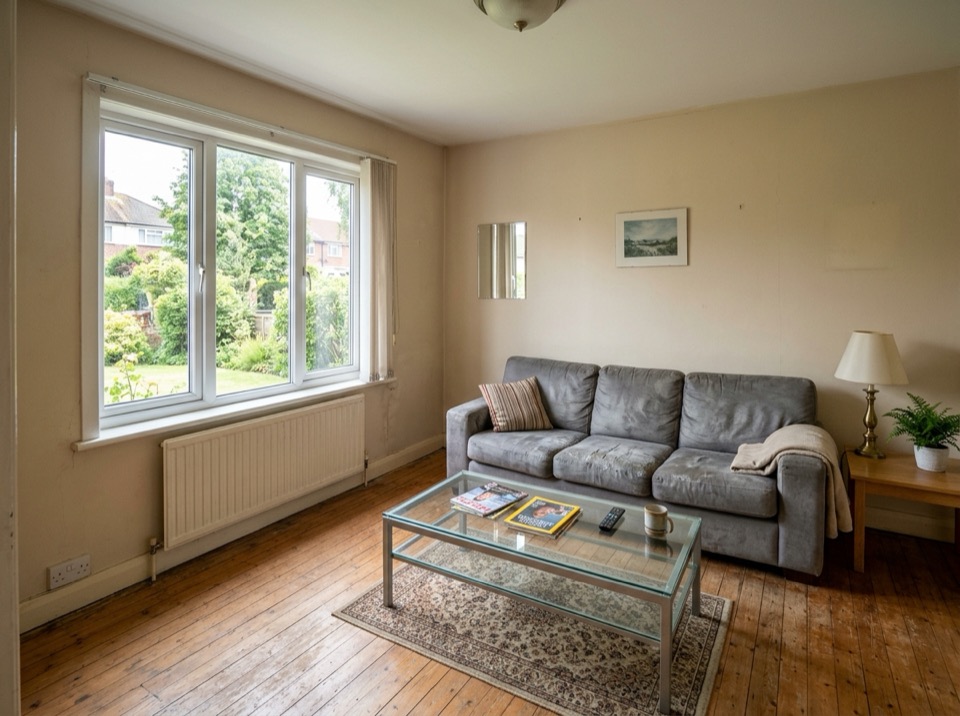
“Restyle this living room in a warm Japandi style: light oak, linen sofa, paper lamp, a few plants. Keep the windows, walls and layout.”
画像から画像 · GPT Image 2 · 2K
このプロンプトを使う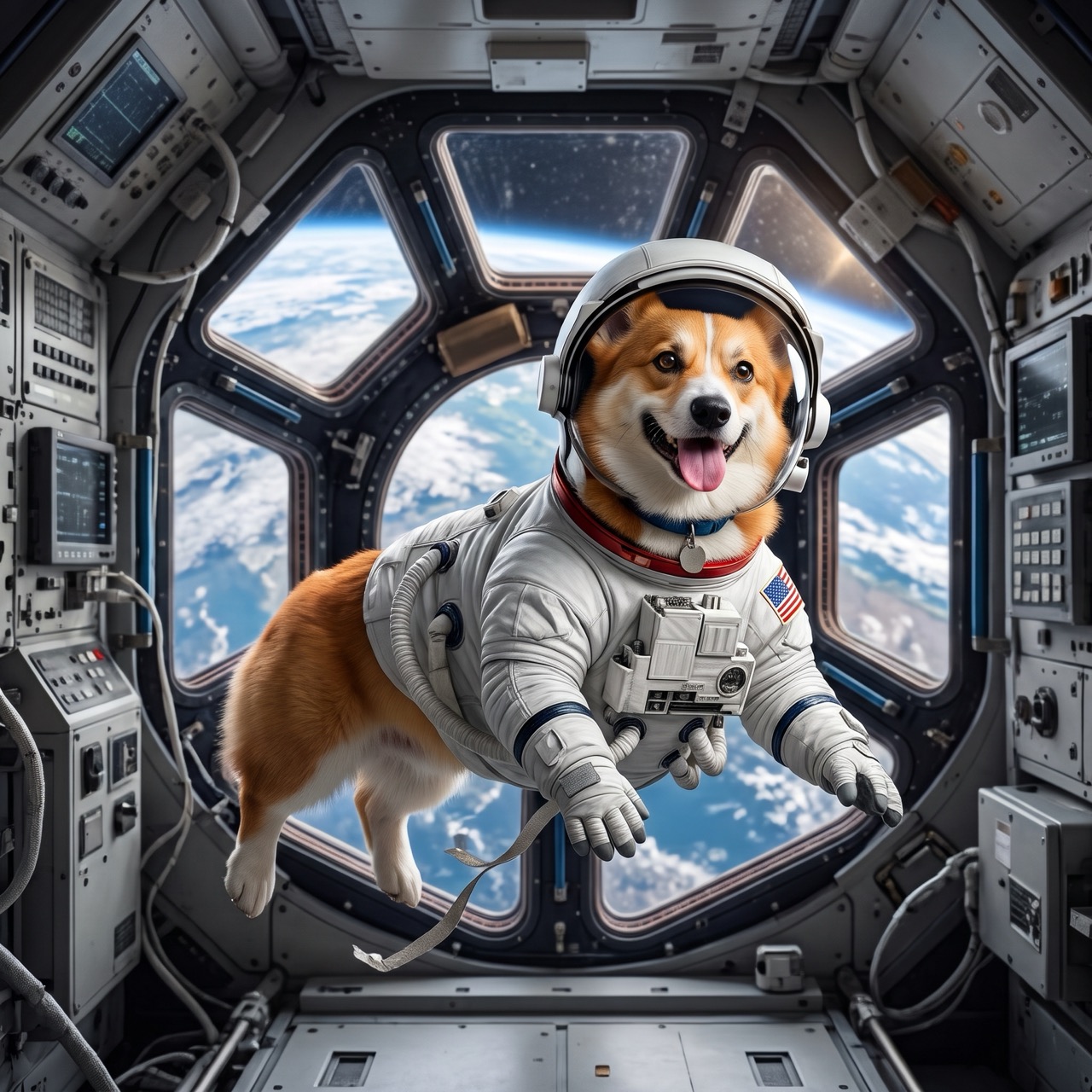 変更前変更後
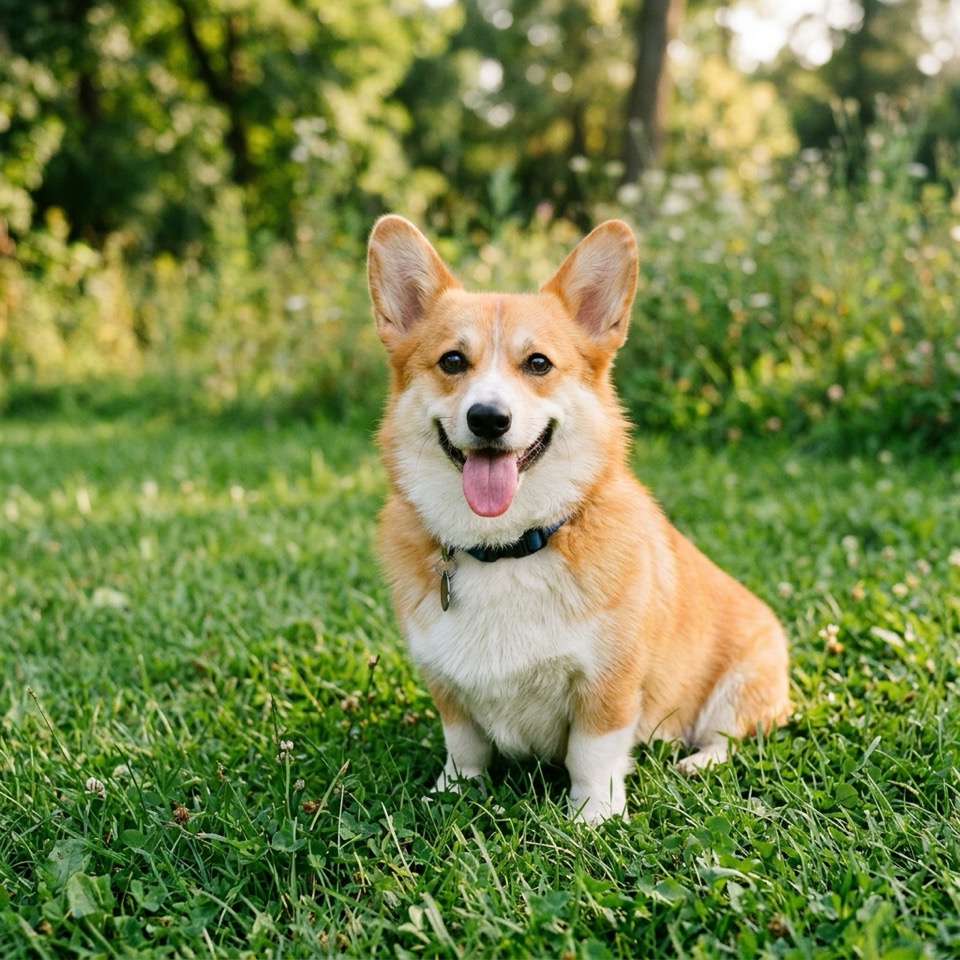
“Put the dog from Image 1 in the astronaut suit from Image 2, floating inside a space station, Earth in the window. Keep the dog's face and fur color.”
画像から画像 · Nano Banana 2 · 2K
このプロンプトを使う
切り抜かずに背景を変える
従来の背景除去は、被写体を切り抜いて別の画像に貼り付けます。AI 背景変更は被写体のまわりのシーンを描き直すので、輪郭・映り込み・影が新しい場所になじみます。
新しい背景と光を書き、変えてはいけないものも書きましょう。「背景を明るくシンプルなスタジオにして、やわらかい影を付ける。商品はまったく同じに」。上のプロンプトはこの内容から始まります。編集しても、そのまま使っても構いません。
商品写真、プロフィール写真、不動産や旅行の写真に。ネットショップや SNS には 4:5 か 1:1、元の形を保つなら「自動」を。
Image To Image AI は独立したサービスで、Google、OpenAI、ByteDance とは提携しておらず、承認も受けていません。Nano Banana は Google の Gemini 画像モデルの愛称です。商標は各所有者に帰属します。
使い方
3 ステップ、たいてい 1 分以内。
- 01
画像をアップロード
JPG・PNG・WebP の画像を 1 枚以上(1 枚 10 MB まで)追加します。このステップを飛ばしてテキストから作ることもできます。
- 02
変えたいところを書く
変更点と残すものを普段の言葉で書きます。例:「夕方の光にして、彼女の顔とドレスはそのまま」。複数枚あるときは Image 1、Image 2 と呼びます。
- 03
生成してダウンロード
モデル・解像度・形を選び、ボタンの価格を確認して、できあがったらダウンロード。
AI 背景変更についての質問
写真をアップロードし、新しい背景と「被写体はそのまま」を書いて「生成」を押します。良いプロンプトは場所・光・雰囲気を書きます。例:「晴れたカフェのテラス、午後のやわらかな光」。
はい。商品・ラベル・ロゴはまったく同じにと頼み、台や光を書きます。例:「磨いたコンクリートの台座に置き、長くやわらかい影」。商品をいちばん忠実に保つのは Nano Banana 2 と Nano Banana Pro です。
たいていは。プロンプトに「顔・髪型・ポーズ・服はまったく同じに」と加えてください。似なくなったら Nano Banana Pro を試すか、一度に変えるものを減らしましょう。
このサイトではできません。モデルは背景まで描いた画像を返します。きれいに切り抜きたいなら、白や単色の背景を頼み、背景除去ツールでワンクリックで分離してください。
ほかの画像と同じく 2 クレジットから(Nano Banana 2、1K)。生成前にボタンに表示されます。失敗した画像は返還されます。
あなたの画像を作るためだけに使われ、30 日後に削除されます。結果は削除するまでライブラリに残ります。