GPT Image 2 · OpenAI
GPT Image 2 Image Generator and Editor
The OpenAI model behind ChatGPT Images 2.0, in your browser without a ChatGPT plan. It follows long, detailed instructions and sets clean typography. Upload a picture to edit, or start from a prompt.
- Follows detailed prompts
- Clean typography
- Up to 14 reference images
- 1K · 2K · 4K
- About 20 seconds
Made with GPT Image 2
Real results from this site and the prompt that made each one. Use one as a starting point.
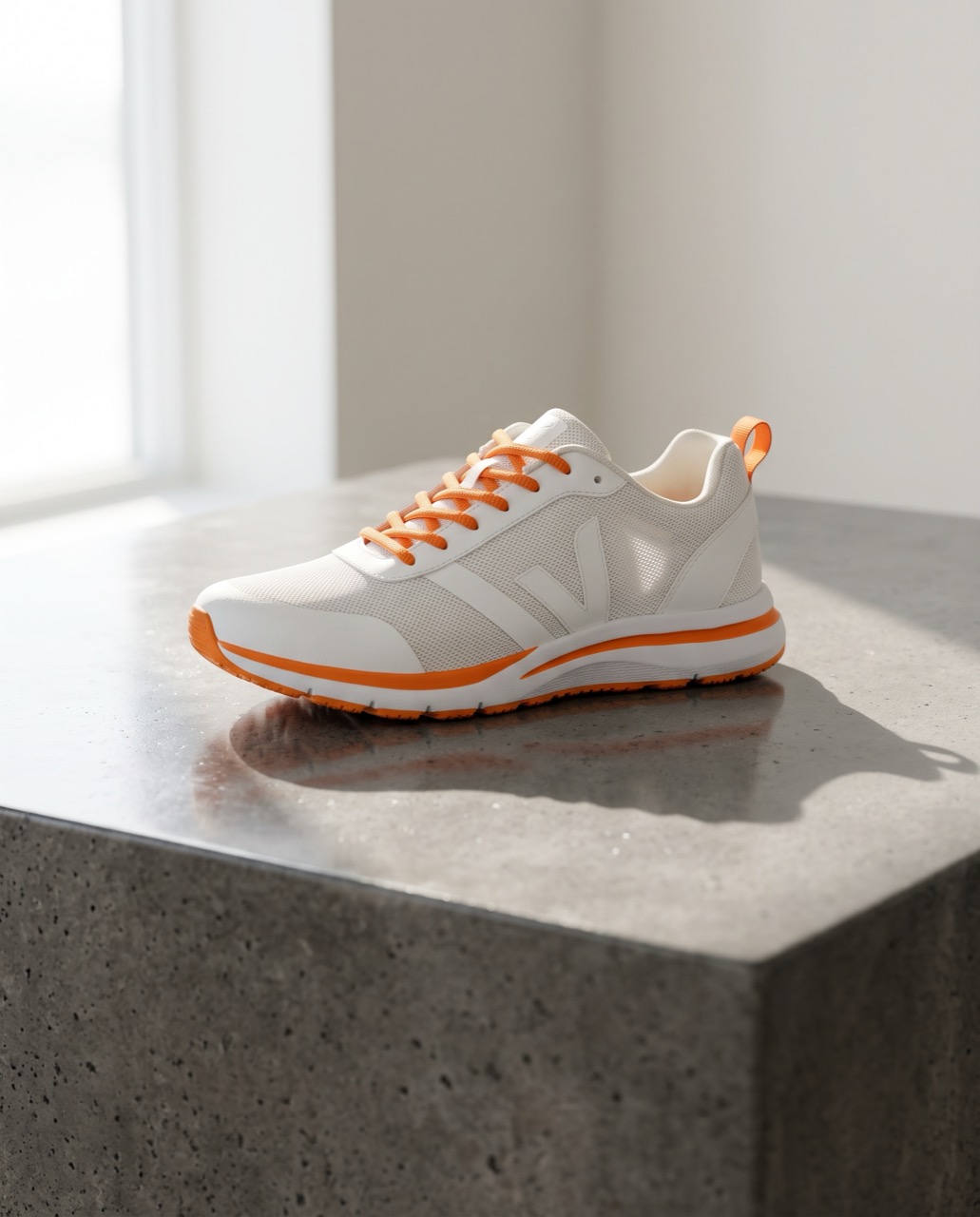 BeforeAfter
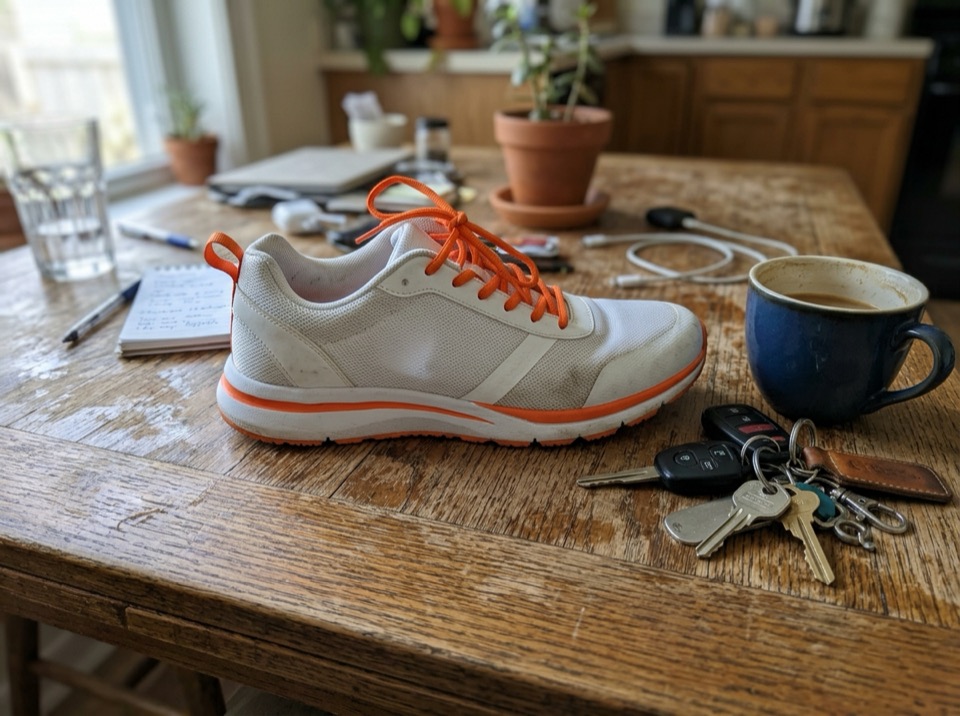
“Place this sneaker on a polished concrete plinth in a bright studio with soft window light and a long shadow. Keep the shoe's shape, colors and logo exactly the same.”
Image to image · Nano Banana 2 · 2K
Use this prompt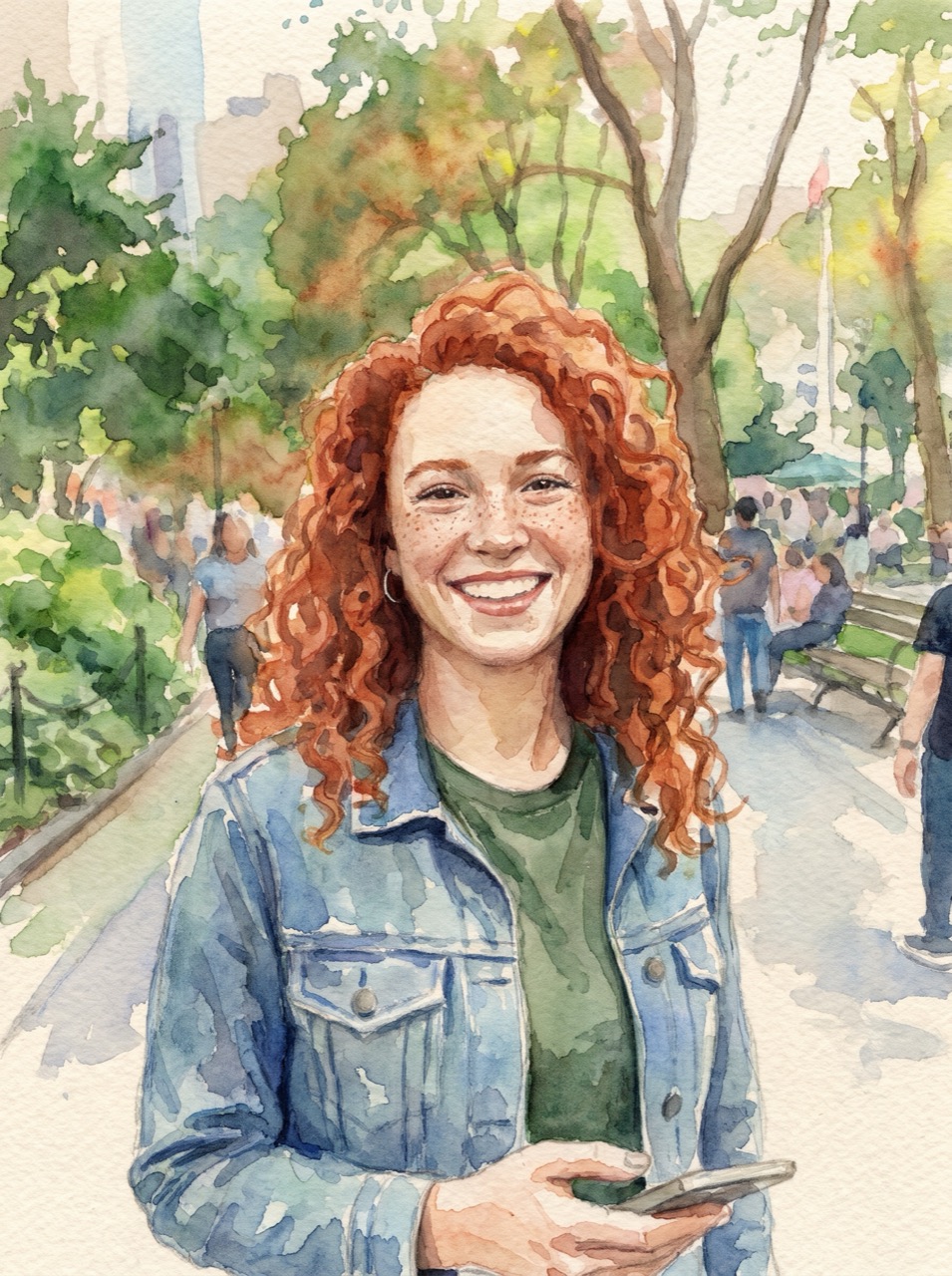 BeforeAfter
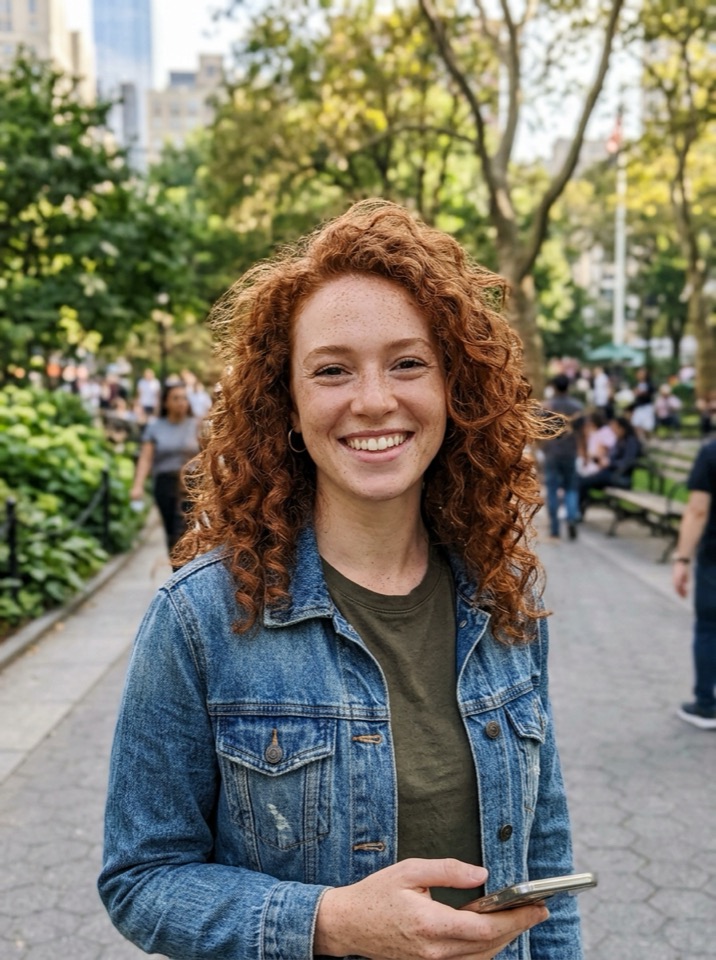
“Turn this photo into a loose watercolor illustration on textured paper. Keep her face, hair and pose recognizable.”
Image to image · Nano Banana Pro · 2K
Use this prompt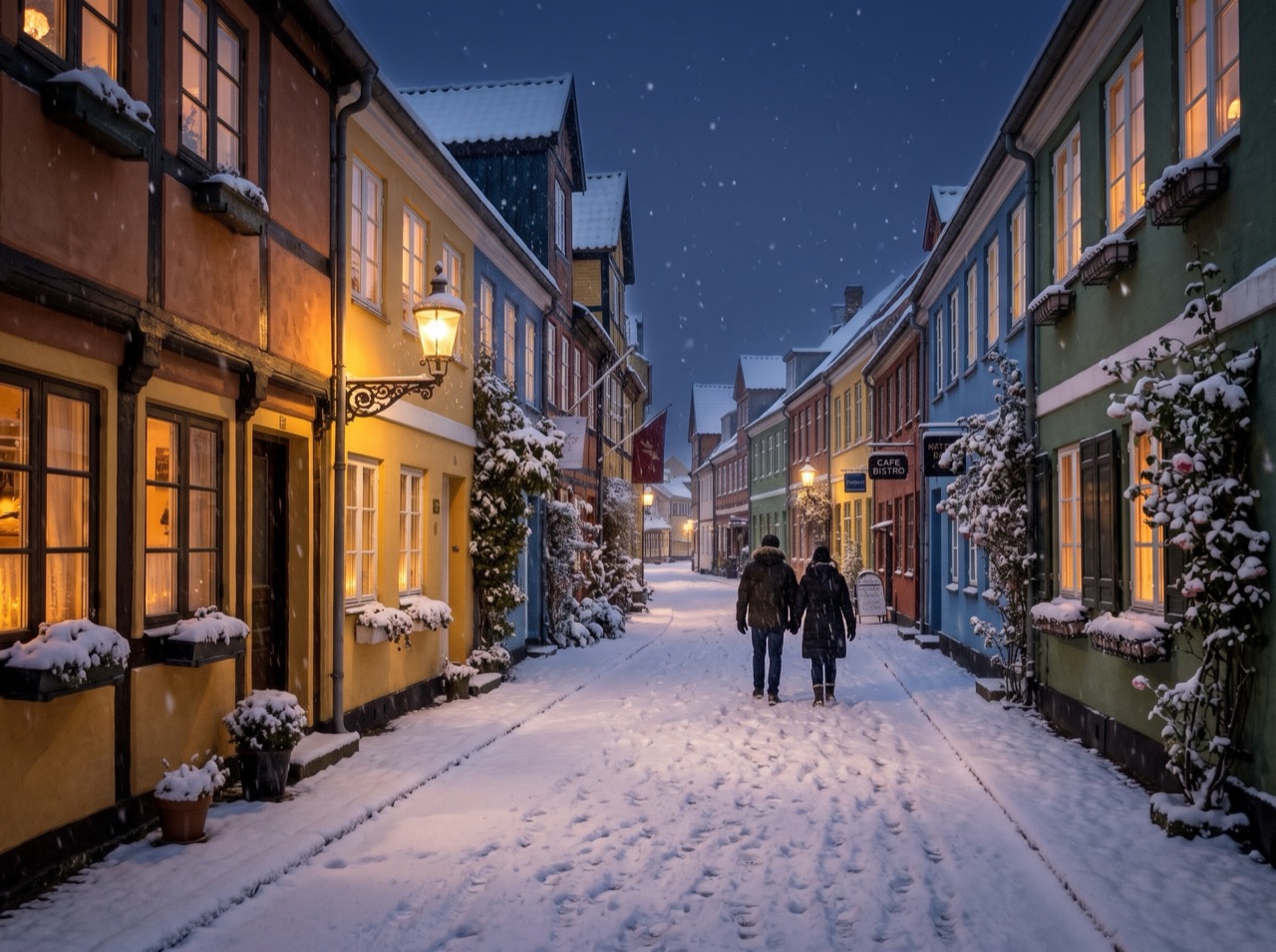 BeforeAfter
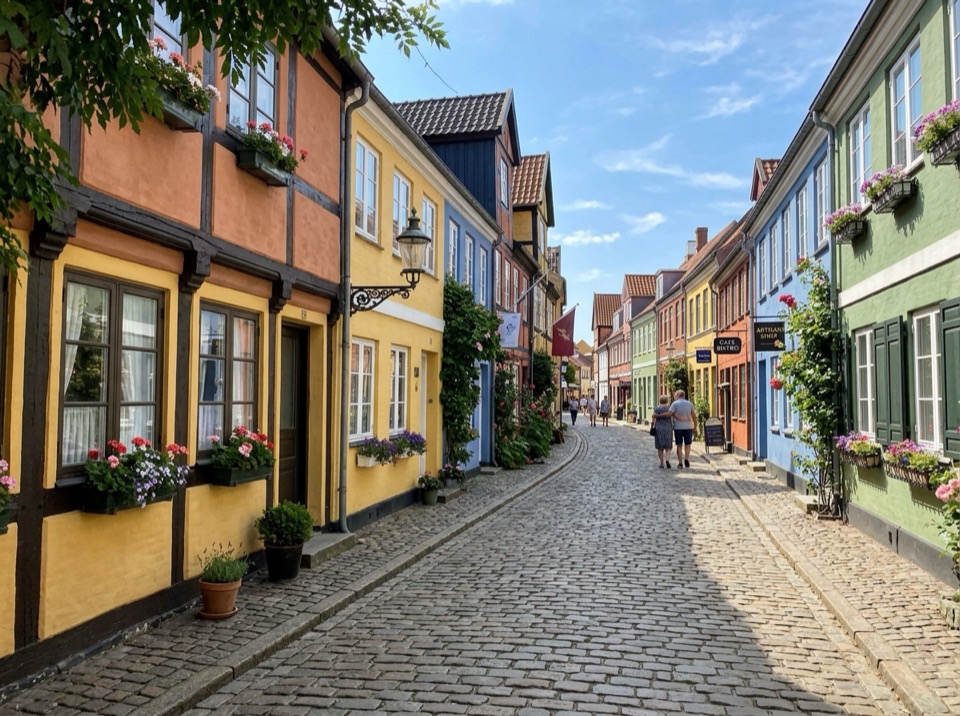
“Make it a snowy winter night: snow on the roofs and street, warm light in the windows, falling snow. Keep the buildings and the camera angle.”
Image to image · Nano Banana 2 · 2K
Use this prompt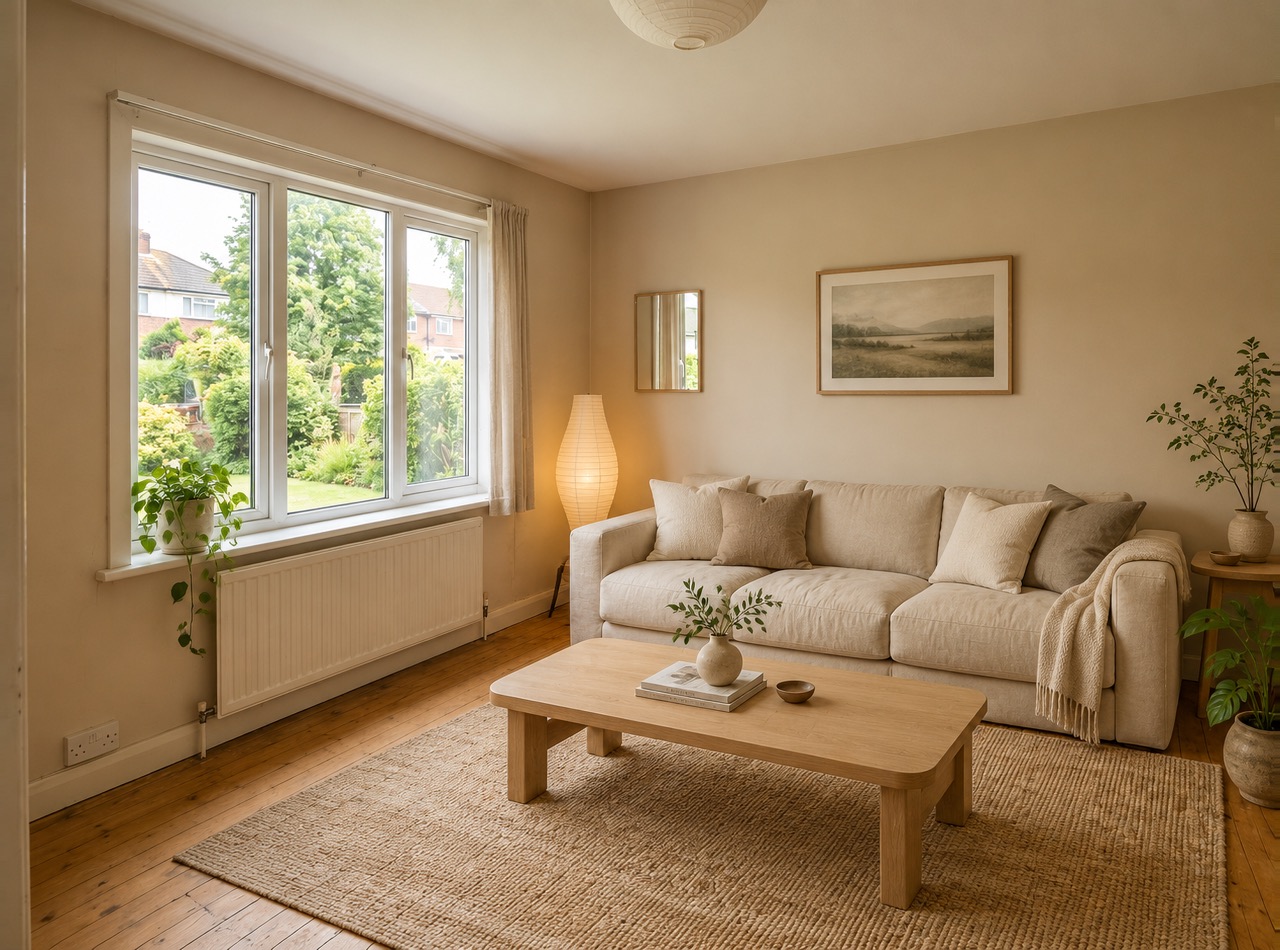 BeforeAfter
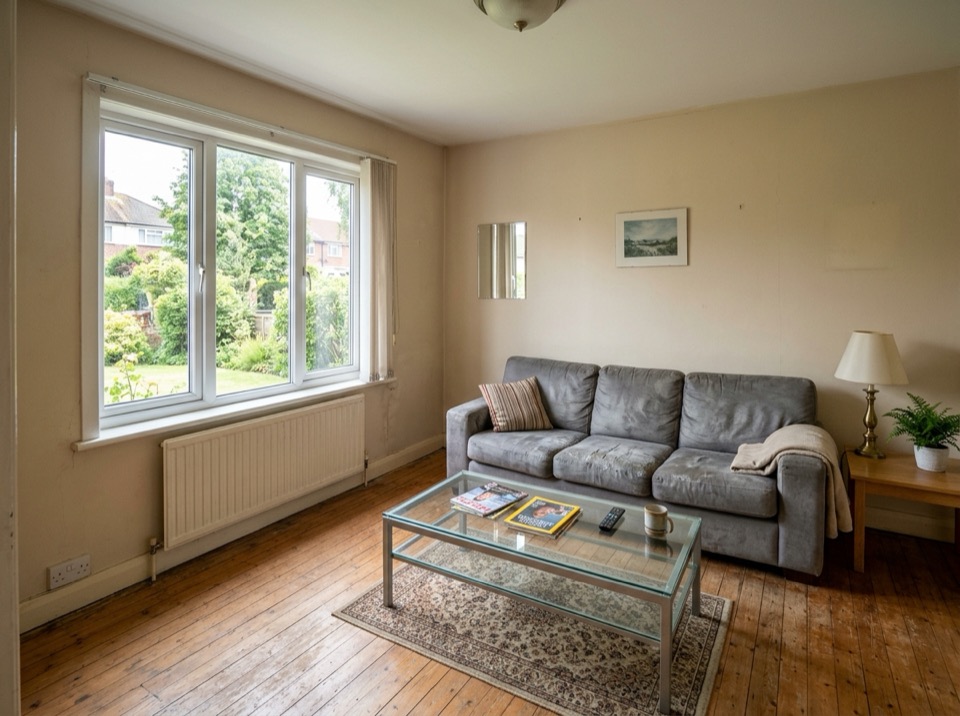
“Restyle this living room in a warm Japandi style: light oak, linen sofa, paper lamp, a few plants. Keep the windows, walls and layout.”
Image to image · GPT Image 2 · 2K
Use this prompt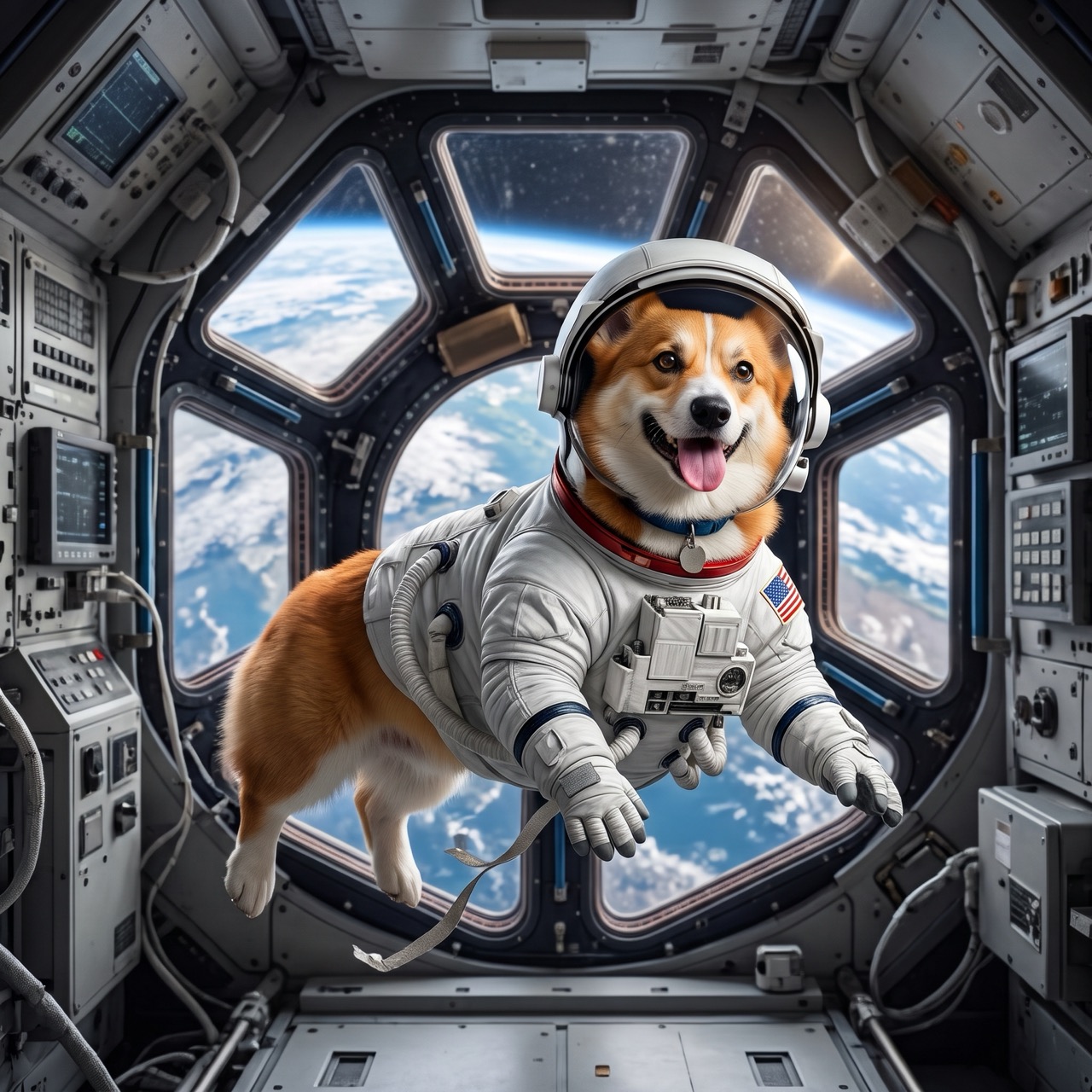 BeforeAfter
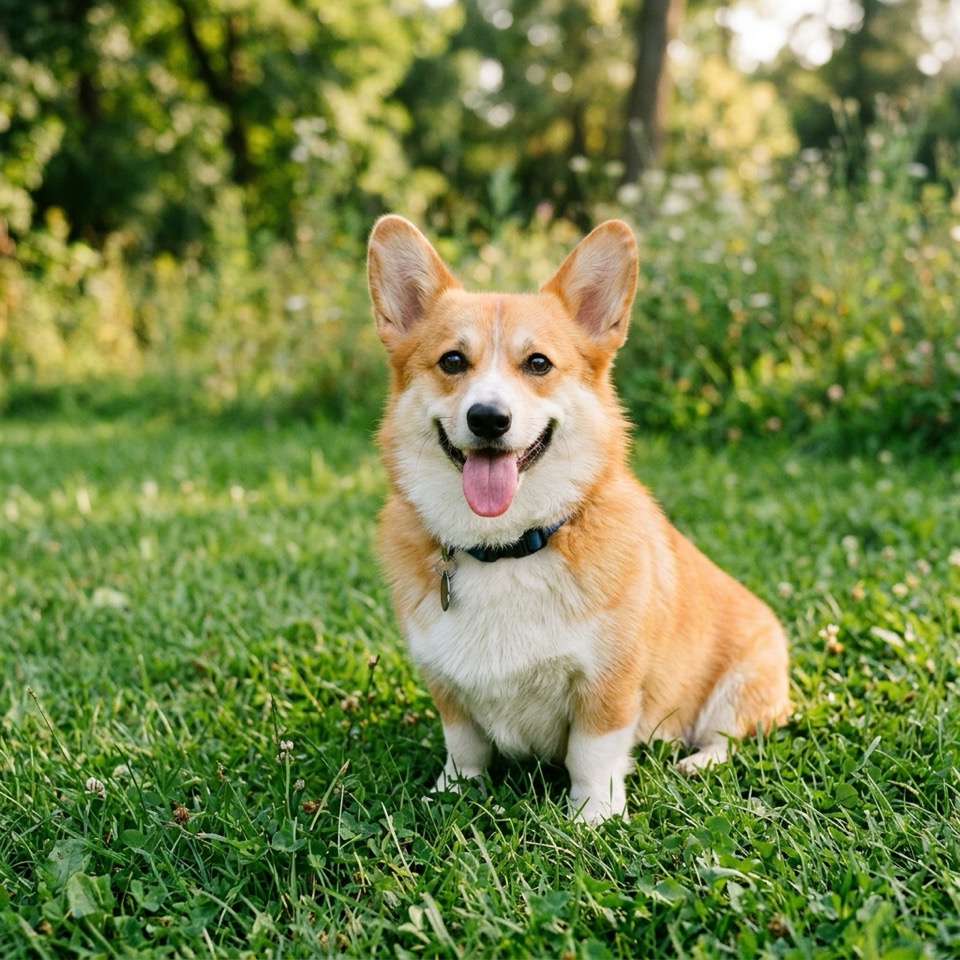
“Put the dog from Image 1 in the astronaut suit from Image 2, floating inside a space station, Earth in the window. Keep the dog's face and fur color.”
Image to image · Nano Banana 2 · 2K
Use this prompt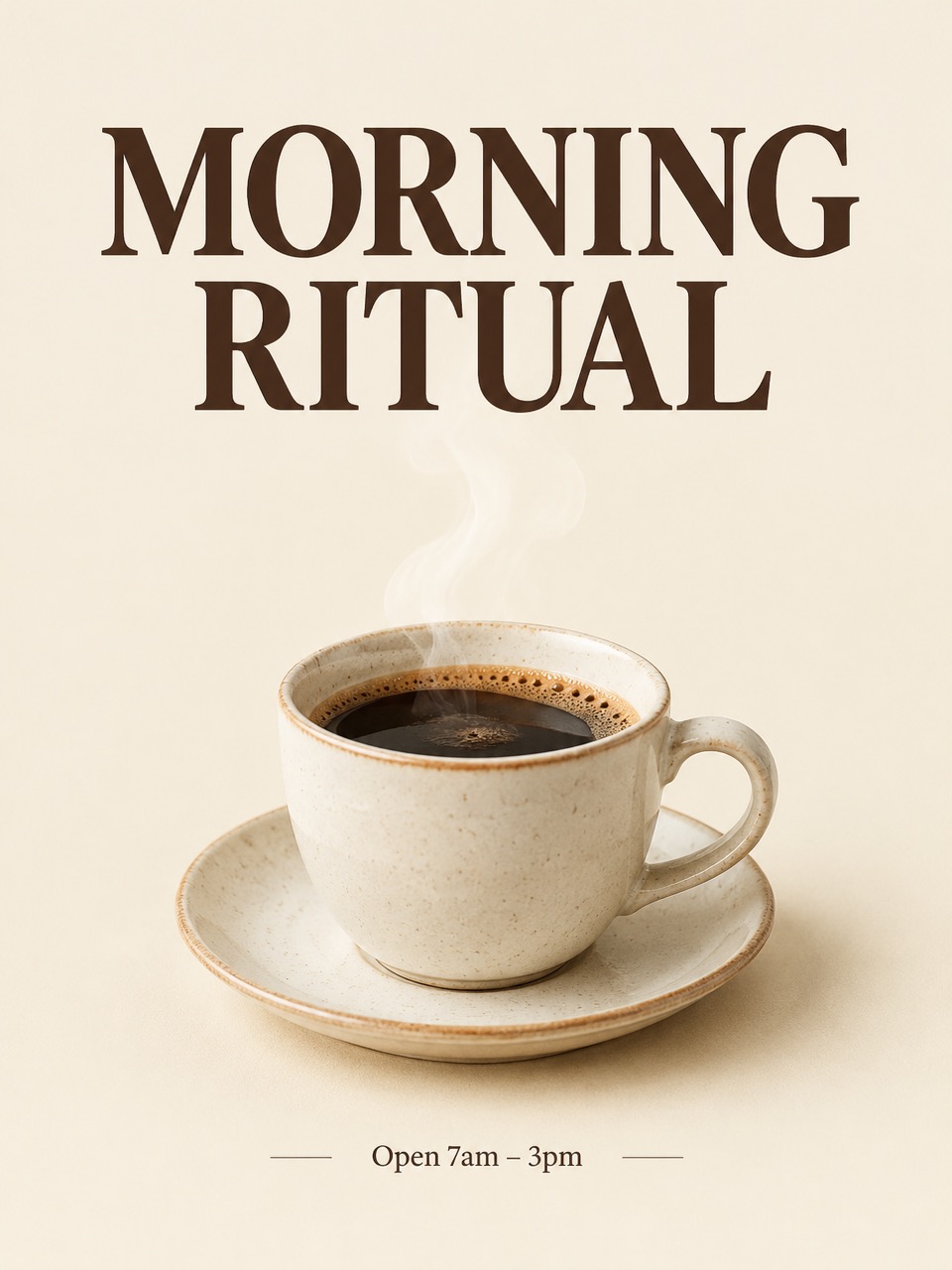
“A minimalist poster for a coffee shop called "MORNING RITUAL": a ceramic cup with steam on a cream background, bold serif headline at the top, small text "Open 7am – 3pm" at the bottom.”
Text to image · GPT Image 2 · 2K
Use this prompt
What GPT Image 2 does well
GPT Image 2 (gpt-image-2) is the OpenAI image model introduced with ChatGPT Images 2.0 on April 21, 2026. OpenAI highlights improved text rendering, text in many languages and visual reasoning.
That makes it a strong pick for posters, menus, infographics, product mockups and edits with many specific instructions. On Image To Image AI it takes up to 14 reference pictures per edit and renders 1K, 2K or 4K in about 20 seconds.
You pay per image with one-time credit packs, see the price before you generate, and a failed image costs nothing.
Image To Image AI is an independent service and is not affiliated with or endorsed by Google, OpenAI or ByteDance. Nano Banana is a nickname for Google's Gemini image models; trademarks belong to their owners.
- Model
- GPT Image 2
- Resolution
- 1K · 2K · 4K
- Reference images
- Up to 14 images
- Credits per image
1K2 credits
2K3 credits
4K4 credits
How it works
Three steps, usually under a minute.
- 01
Upload a picture
Add one or more JPG, PNG or WebP pictures, up to 10 MB each. Or skip this step and start from text.
- 02
Say what to change
Describe the edit in plain words and what to keep, for example "make it golden hour, keep her face and the dress". With several pictures, refer to them as Image 1, Image 2.
- 03
Generate and download
Pick the model, resolution and shape, see the price on the button, and download the image when it's ready.
Which model should I use?
Start with Nano Banana 2. Switch when you need sharper text, closer instruction following or a lower price.
| Nano Banana 2 | Nano Banana Pro | GPT Image 2 | Seedream 5.0 Flash | |
|---|---|---|---|---|
| Best for | Everyday edits that keep faces and products | Careful edits and text in images | Detailed instructions, posters and typography | Quick, low-cost drafts |
| Resolution | 1K / 2K / 4K | 1K / 2K / 4K | 1K / 2K / 4K | 1K / 2K |
| Reference images | Up to 14 | Up to 14 | Up to 14 | Up to 10 |
| Typical wait | About 15 s | About 50 s | About 20 s | About 15 s |
| Price | From 2 credits | From 4 credits | From 2 credits | From 2 credits |
More ways to edit and create
Image to Image AI
All four models: edit any picture with a prompt.
Nano Banana 2
Google's fast editor that keeps faces and products.
Nano Banana Pro
The most careful edits and the best text in images.
Seedream 5.0
ByteDance's fast, low-cost model, up to 2K.
AI image editor
Change anything in a photo by describing it.
AI background changer
Put your subject on any background.
Text to image
Describe a picture and get it in seconds.
GPT Image 2 questions
By the Image To Image AI team ·
GPT Image 2 is OpenAI's image model, released with ChatGPT Images 2.0 on April 21, 2026 and available to developers as gpt-image-2. Image To Image AI runs it through an API provider, so you can use it in the browser without a ChatGPT subscription.
GPT Image 2 is the model that powered ChatGPT Images 2.0. Here you use it through the API instead of the ChatGPT app: you pay per image with credits instead of a subscription, and you can run the same prompt on Nano Banana or Seedream. Image To Image AI isn't affiliated with OpenAI.
Yes. Upload one or more pictures, describe the change and what to keep, and it returns the edited image. It's at its best with edits that combine several specific instructions.
Yes, clean typography is one of its strengths. Put the exact words in quotes and describe the font and placement, for example: "MORNING RITUAL" in a bold serif across the top.
It's priced per image by resolution; the panel on this page lists each one, and the button shows the exact cost before you generate. One-time packs start at 300 credits for $9.99.
Yes, the images you make are yours to use, as long as your prompt and uploads don't infringe anyone's rights. See the terms for details.