AI background changer
AI Background Changer
Upload a photo and describe the new background: a clean studio, a sunny street, a marble counter. The person or product stays as it is, and the model blends light and shadow into the new scene.
- People and products
- Describe any background
- Keeps the subject
- Up to 4K
- Free images to start
Background changes made here
Real results from this site and the prompt that made each one. Use one as a starting point.
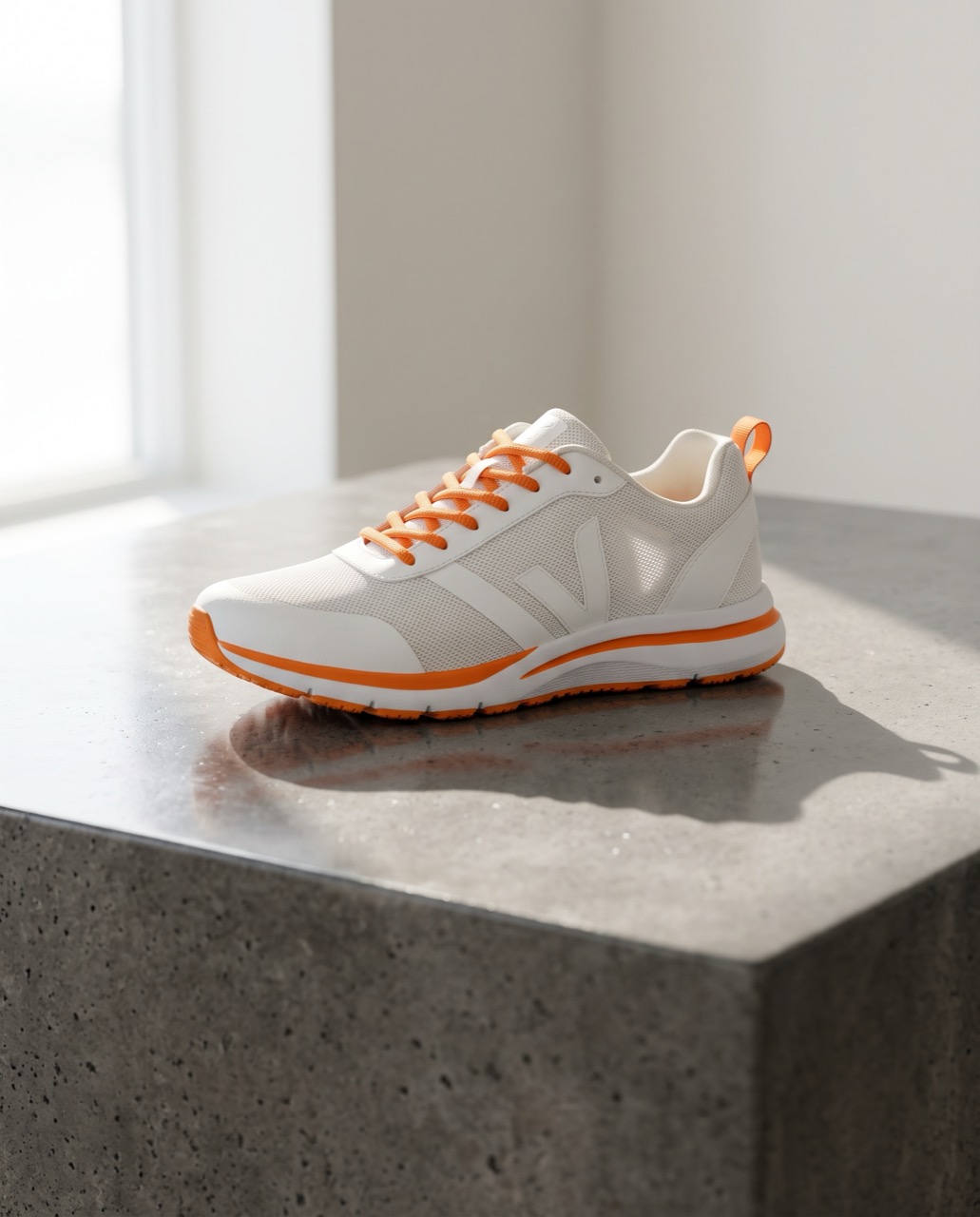 BeforeAfter
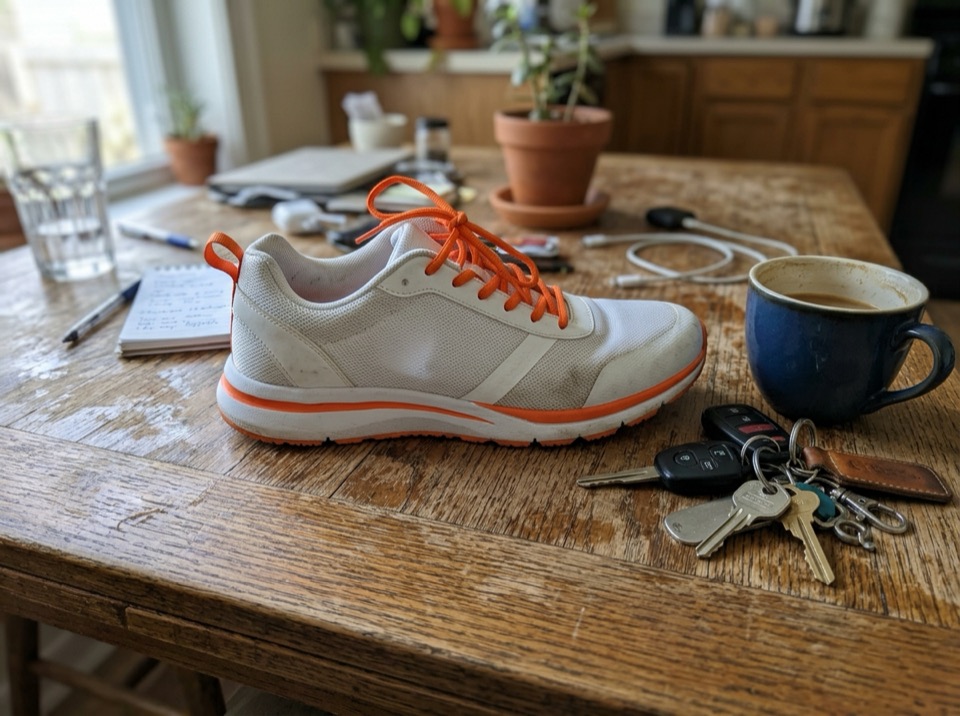
“Place this sneaker on a polished concrete plinth in a bright studio with soft window light and a long shadow. Keep the shoe's shape, colors and logo exactly the same.”
Image to image · Nano Banana 2 · 2K
Use this prompt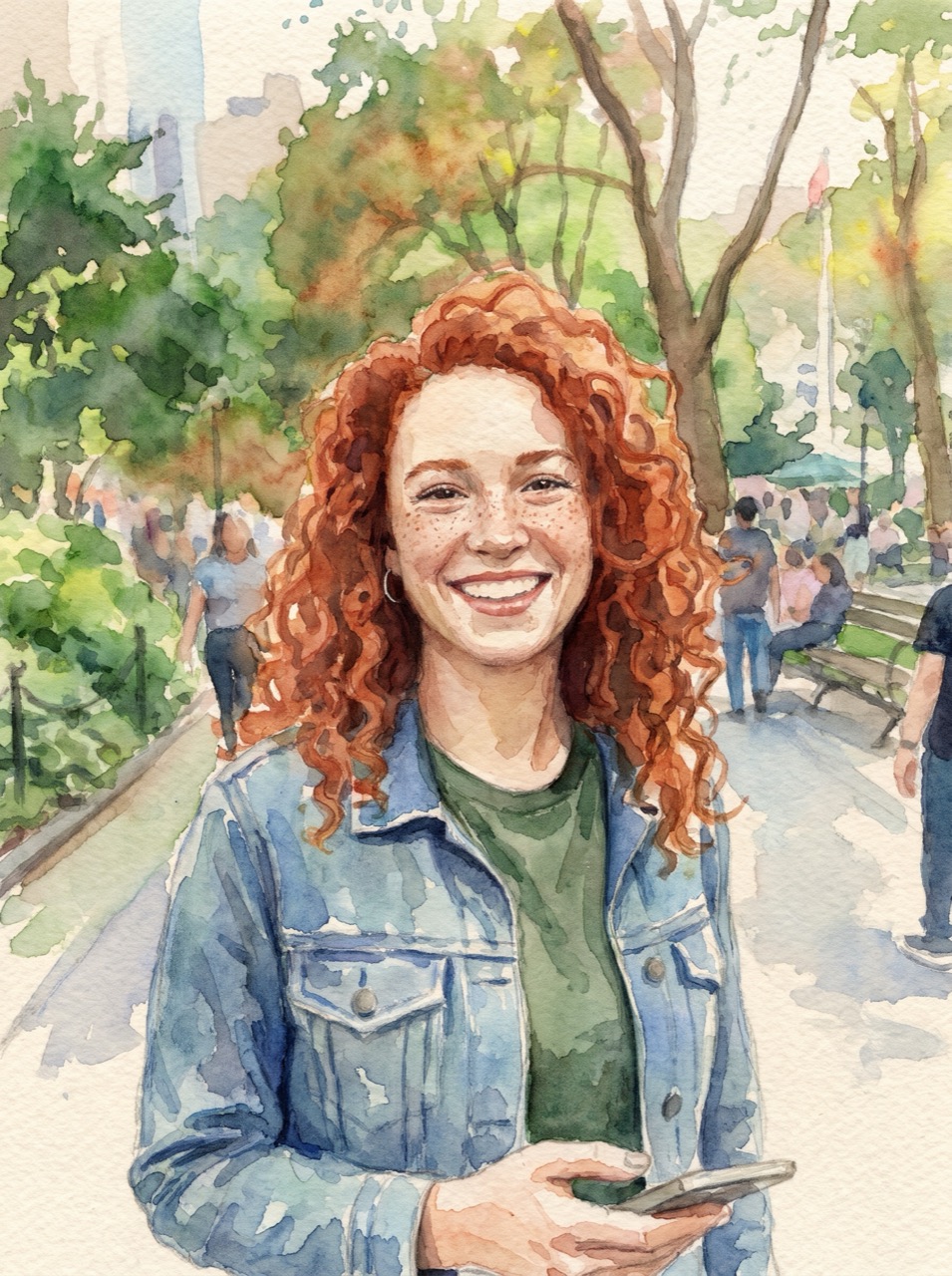 BeforeAfter
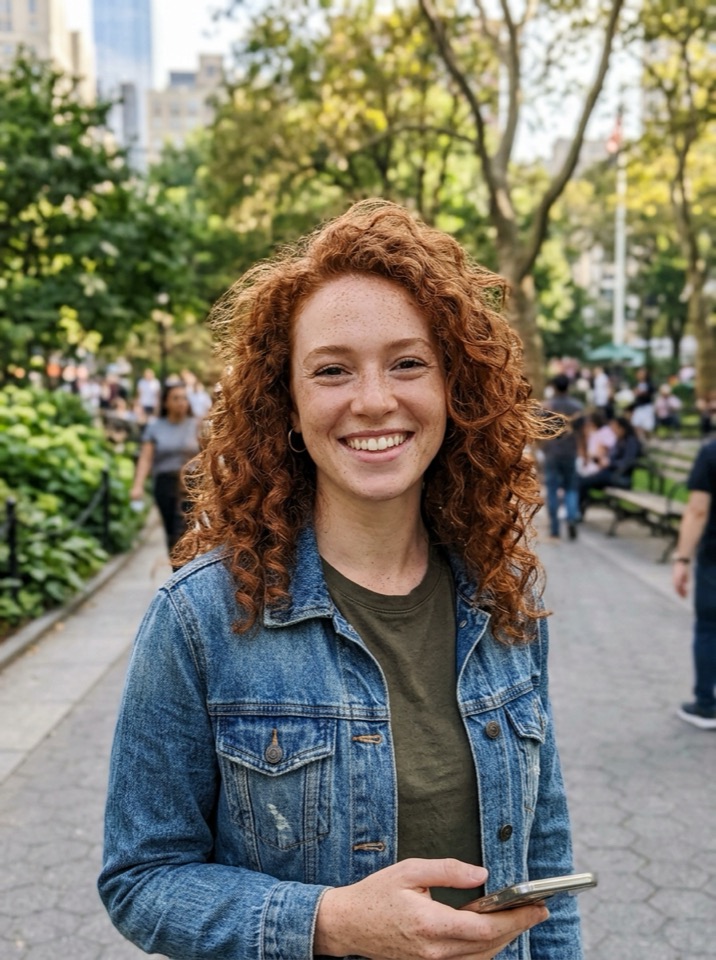
“Turn this photo into a loose watercolor illustration on textured paper. Keep her face, hair and pose recognizable.”
Image to image · Nano Banana Pro · 2K
Use this prompt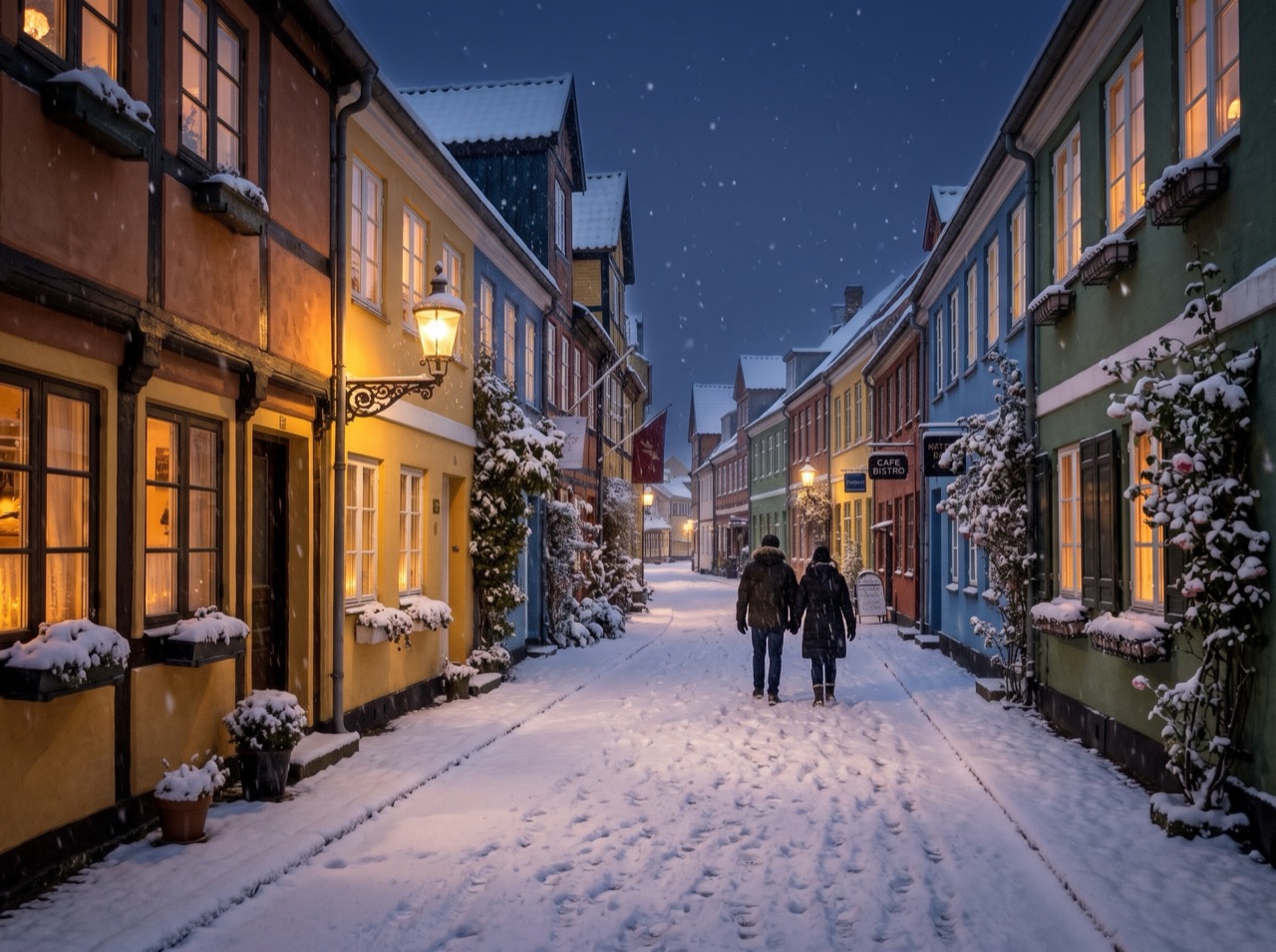 BeforeAfter
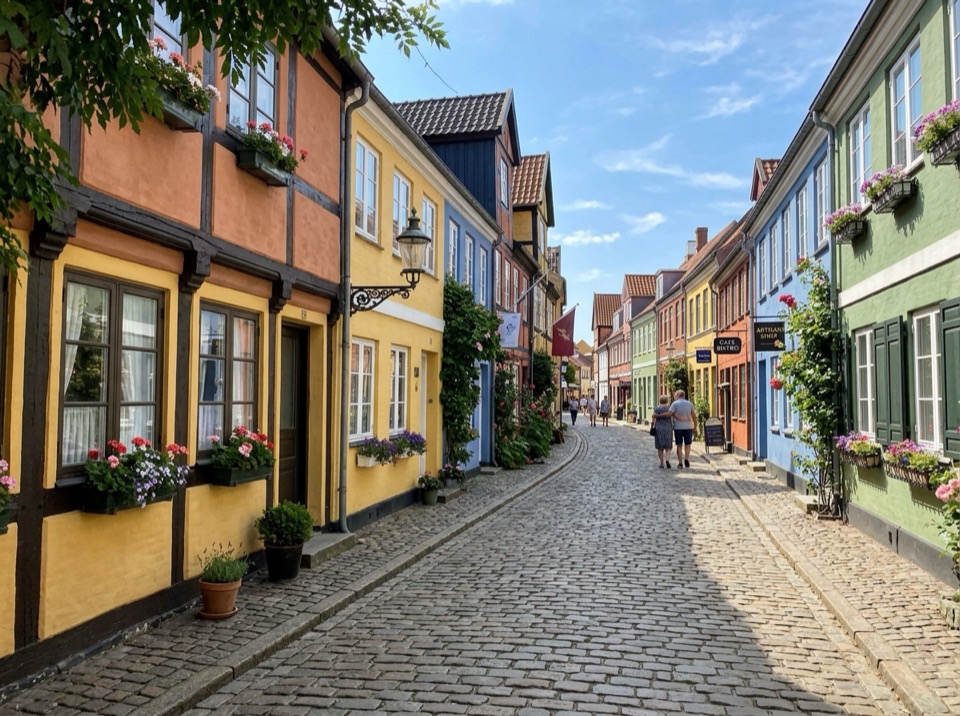
“Make it a snowy winter night: snow on the roofs and street, warm light in the windows, falling snow. Keep the buildings and the camera angle.”
Image to image · Nano Banana 2 · 2K
Use this prompt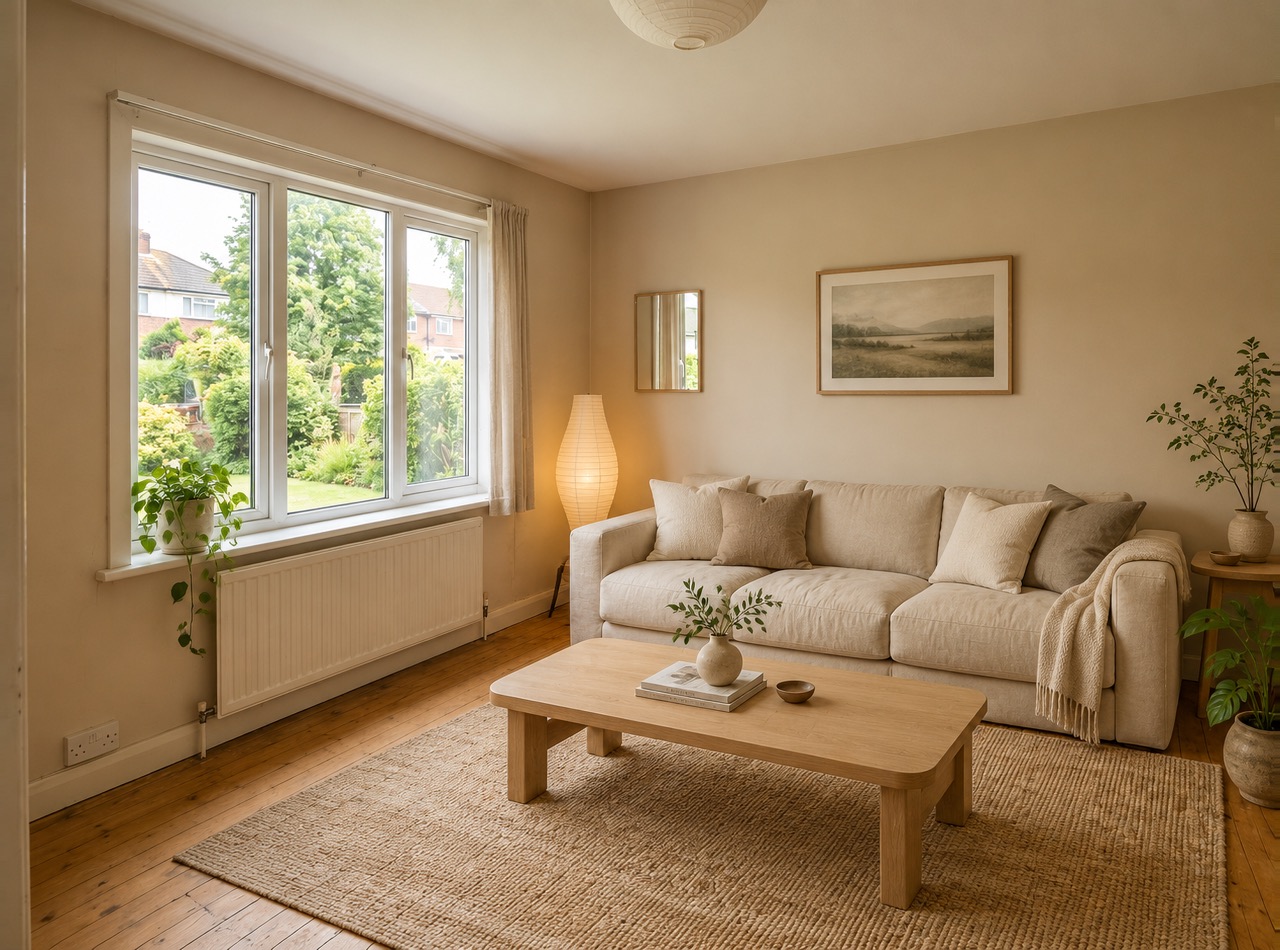 BeforeAfter
“Restyle this living room in a warm Japandi style: light oak, linen sofa, paper lamp, a few plants. Keep the windows, walls and layout.”
Image to image · GPT Image 2 · 2K
Use this prompt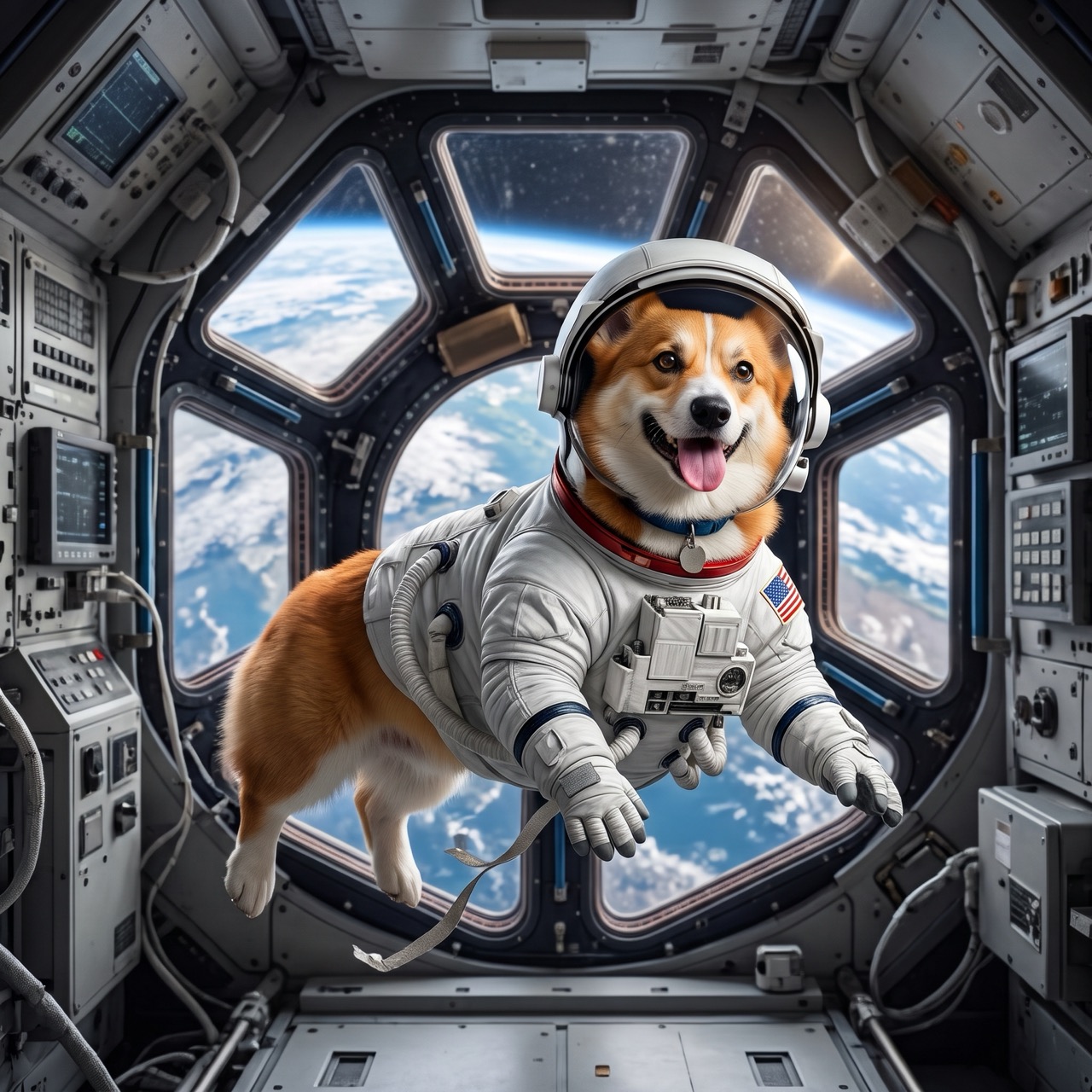 BeforeAfter
“Put the dog from Image 1 in the astronaut suit from Image 2, floating inside a space station, Earth in the window. Keep the dog's face and fur color.”
Image to image · Nano Banana 2 · 2K
Use this prompt
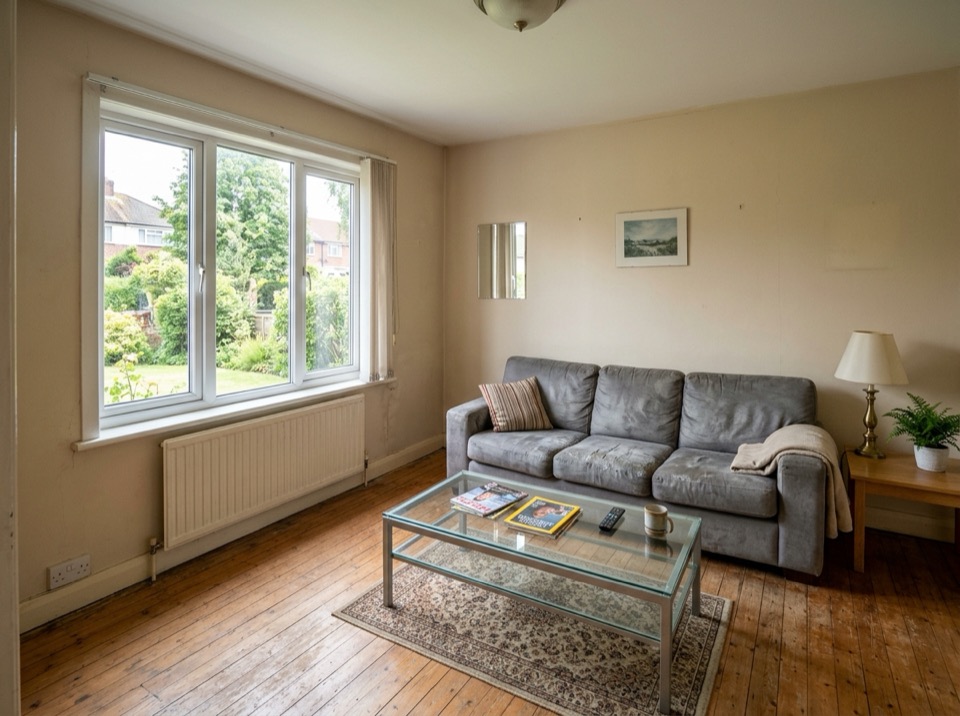
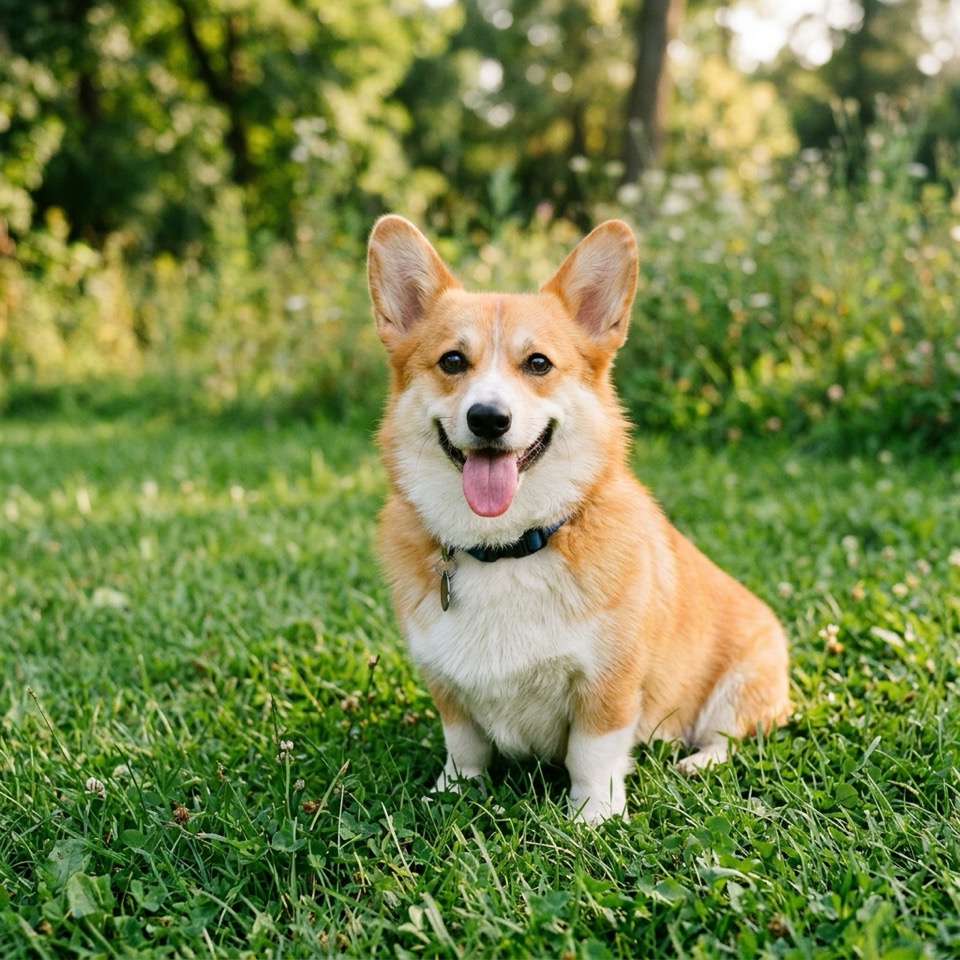
Change a background without cutting anything out
Classic background removal cuts the subject out and pastes it onto something else. An AI background changer redraws the scene around your subject instead, so edges, reflections and shadows fit the new place.
Describe the new background and the light, and say what must not change: "Replace the background with a bright minimal studio and a soft shadow. Keep the product exactly the same." The prompt above starts with that; edit it or use it as is.
It works for product shots, profile pictures, real-estate and travel photos. Use 4:5 or 1:1 for marketplaces and social posts, or Auto to keep the original shape.
Image To Image AI is an independent service and is not affiliated with or endorsed by Google, OpenAI or ByteDance. Nano Banana is a nickname for Google's Gemini image models; trademarks belong to their owners.
How it works
Three steps, usually under a minute.
- 01
Upload a picture
Add one or more JPG, PNG or WebP pictures, up to 10 MB each. Or skip this step and start from text.
- 02
Say what to change
Describe the edit in plain words and what to keep, for example "make it golden hour, keep her face and the dress". With several pictures, refer to them as Image 1, Image 2.
- 03
Generate and download
Pick the model, resolution and shape, see the price on the button, and download the image when it's ready.
More ways to edit and create
Image to Image AI
All four models: edit any picture with a prompt.
Nano Banana 2
Google's fast editor that keeps faces and products.
Nano Banana Pro
The most careful edits and the best text in images.
GPT Image 2
OpenAI's model: precise instructions, clean type.
Seedream 5.0
ByteDance's fast, low-cost model, up to 2K.
AI image editor
Change anything in a photo by describing it.
Text to image
Describe a picture and get it in seconds.
Background changer questions
By the Image To Image AI team ·
Upload the photo, describe the new background and say to keep the subject the same, then press Generate. A good prompt names the place, the light and the mood: "a sunny café terrace, soft afternoon light".
Yes. Ask to keep the product, label and logo exactly the same, and describe the surface and light, for example "on a polished concrete plinth with a long soft shadow". Nano Banana 2 and Nano Banana Pro keep products most faithfully.
Usually. Add "keep the face, hair, pose and clothes exactly the same" to the prompt. If the likeness drifts, try Nano Banana Pro or change less at once.
Not on this site: the models return a complete image. For a clean cut-out, ask for a plain white or solid-color background, which background-removal tools can then separate in one click.
The same as any image: from 2 credits (Nano Banana 2, 1K), shown on the button before you generate. Failed images are refunded.
They're used only to make your image and deleted 30 days later. Results stay in your library until you delete them.