AI 图片编辑
AI 图片编辑器:说一句话就能改照片
不用图层、画笔或蒙版。上传照片,用大白话写要改什么,几秒钟拿到修改后的图片,想保留的部分原封不动。
- 不用蒙版和图层
- 4 个 AI 模型
- 最高 4K
- 上传 30 天后删除
- 新用户免费试用
本站的修图示例
本站真实生成的结果,以及对应的提示词。可以直接拿来当起点。
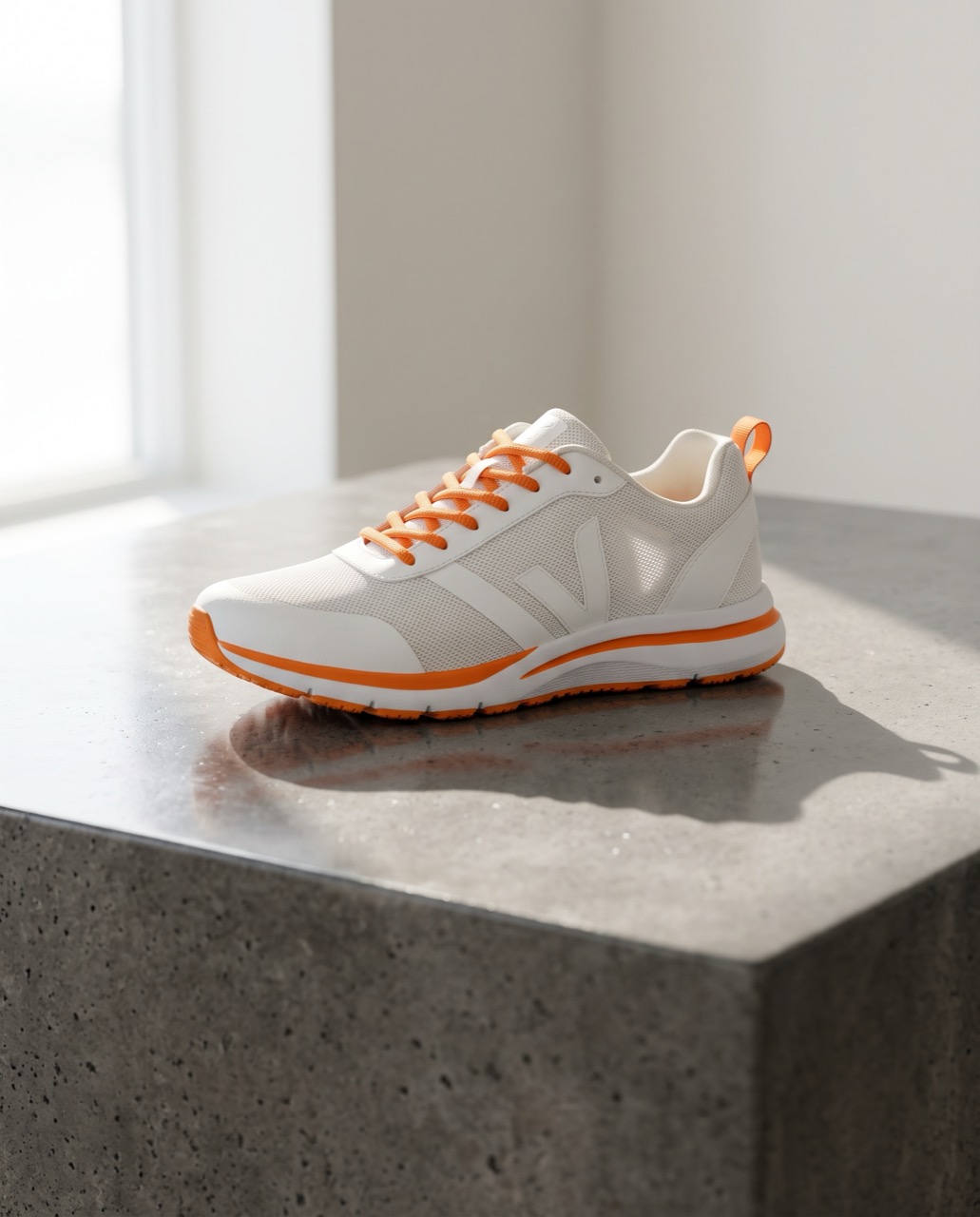 修改前修改后
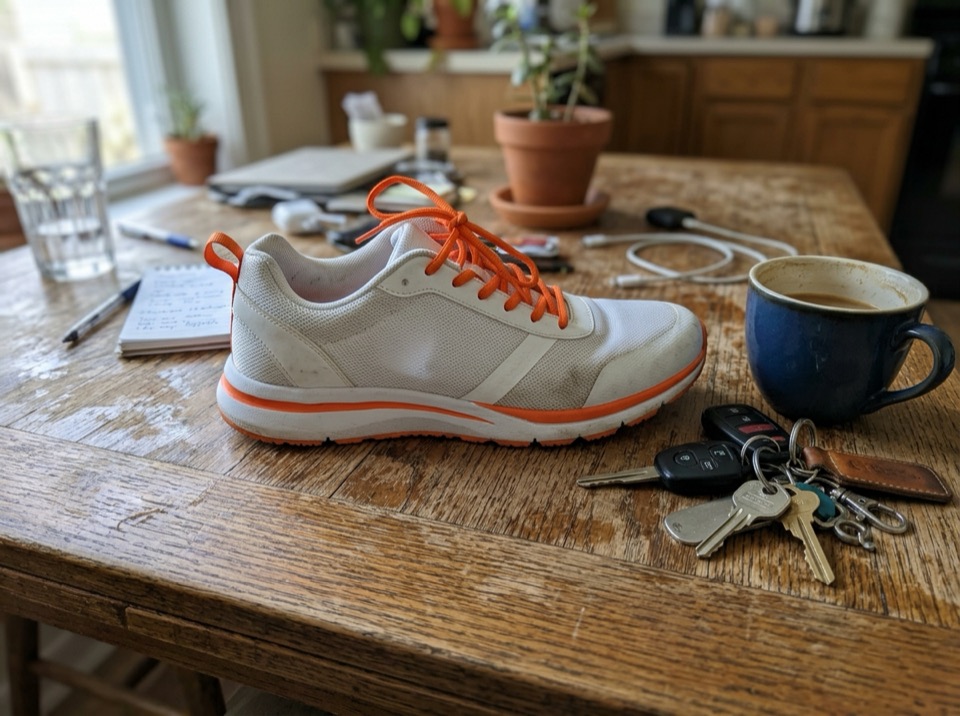
“Place this sneaker on a polished concrete plinth in a bright studio with soft window light and a long shadow. Keep the shoe's shape, colors and logo exactly the same.”
图生图 · Nano Banana 2 · 2K
用这个提示词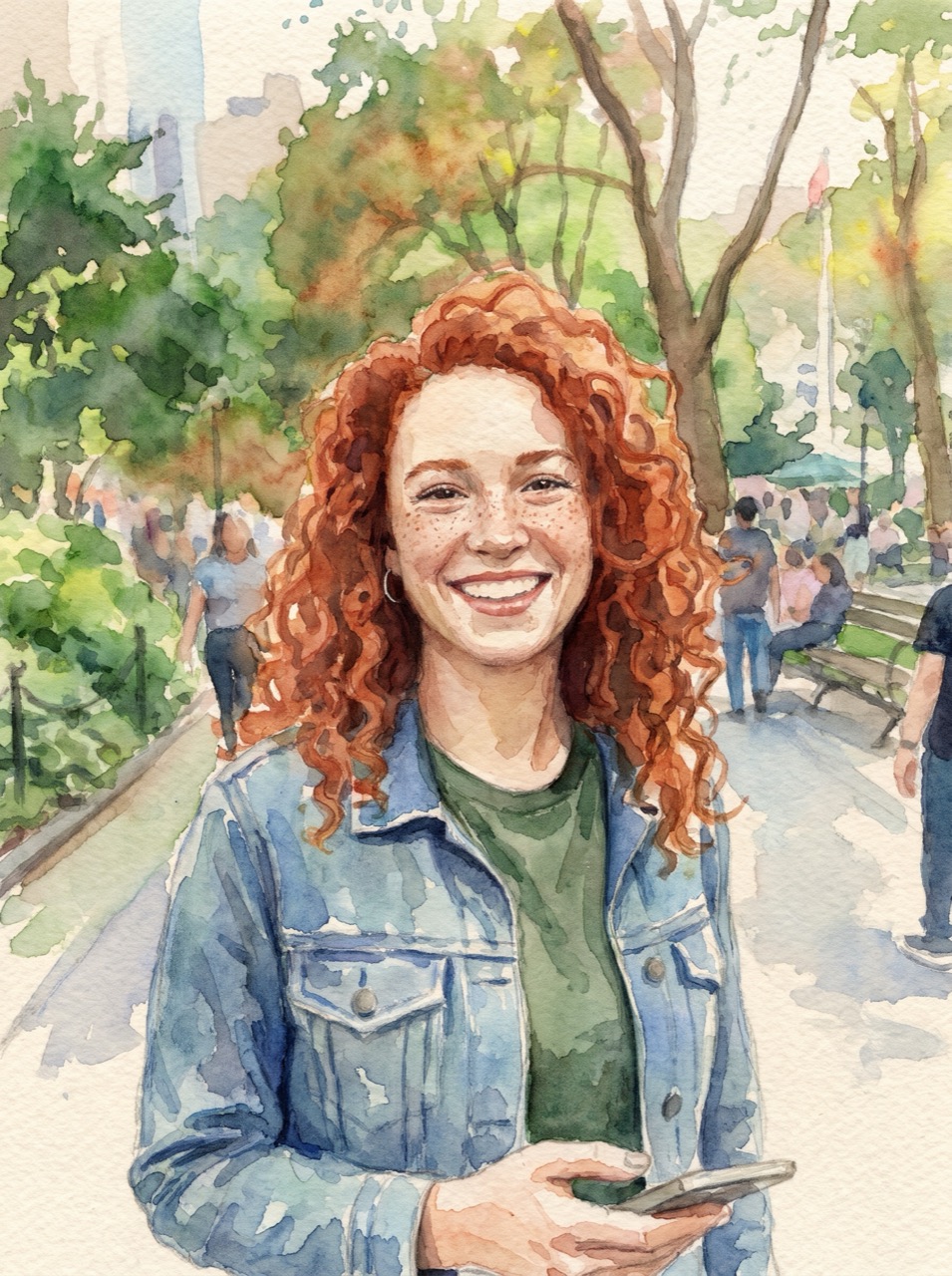 修改前修改后
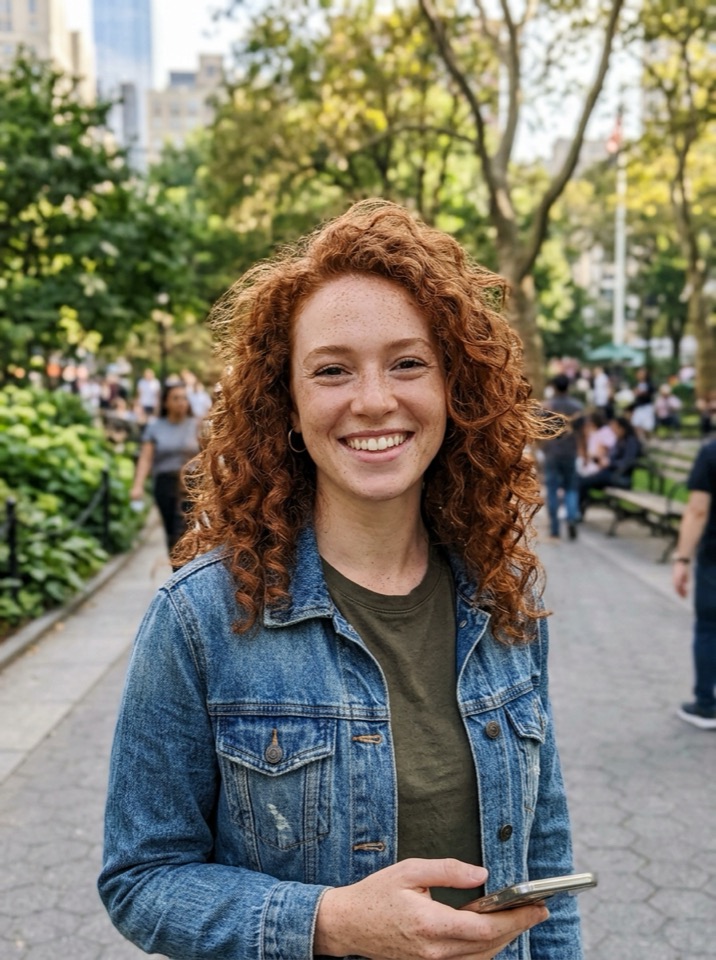
“Turn this photo into a loose watercolor illustration on textured paper. Keep her face, hair and pose recognizable.”
图生图 · Nano Banana Pro · 2K
用这个提示词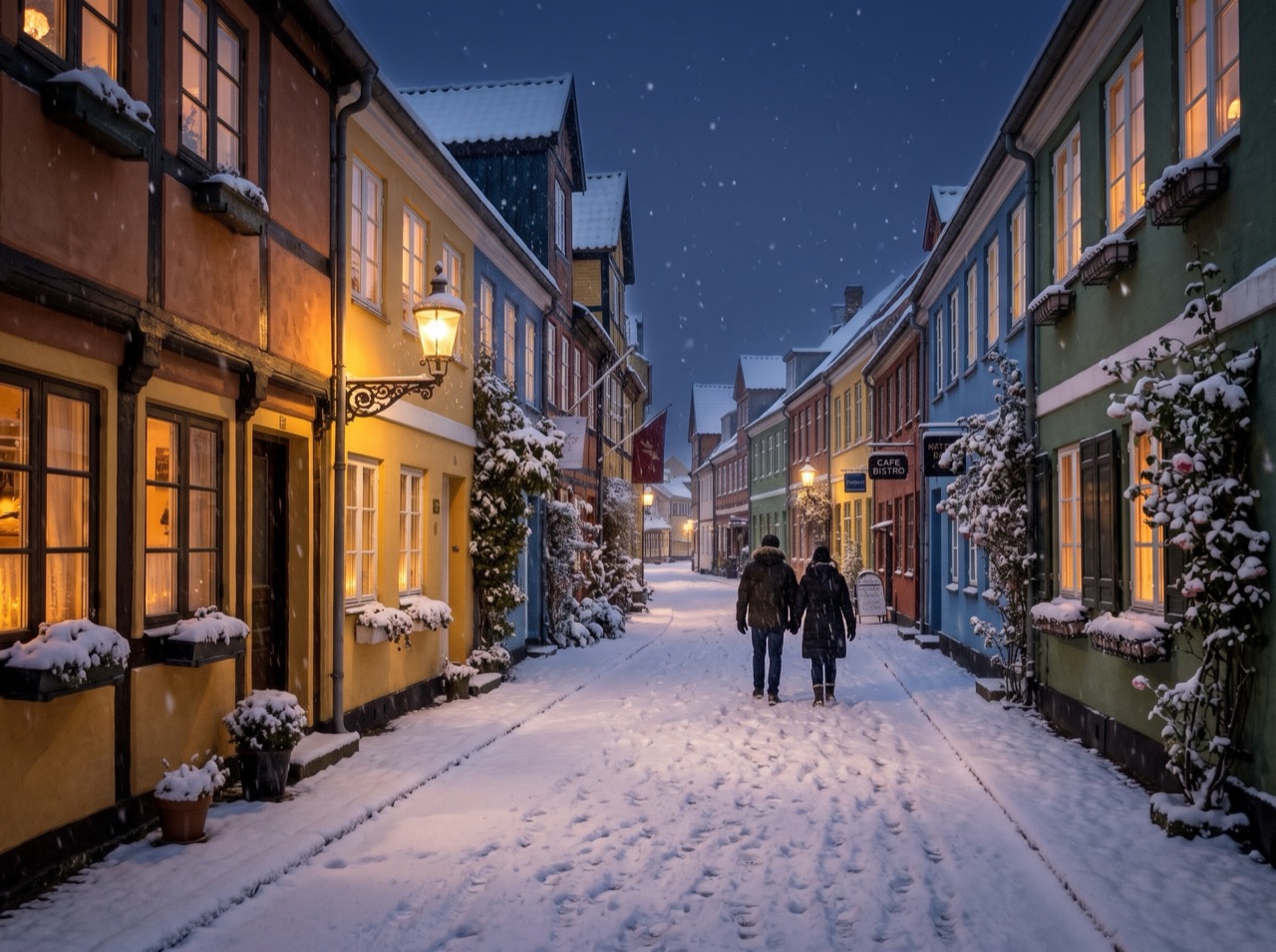 修改前修改后
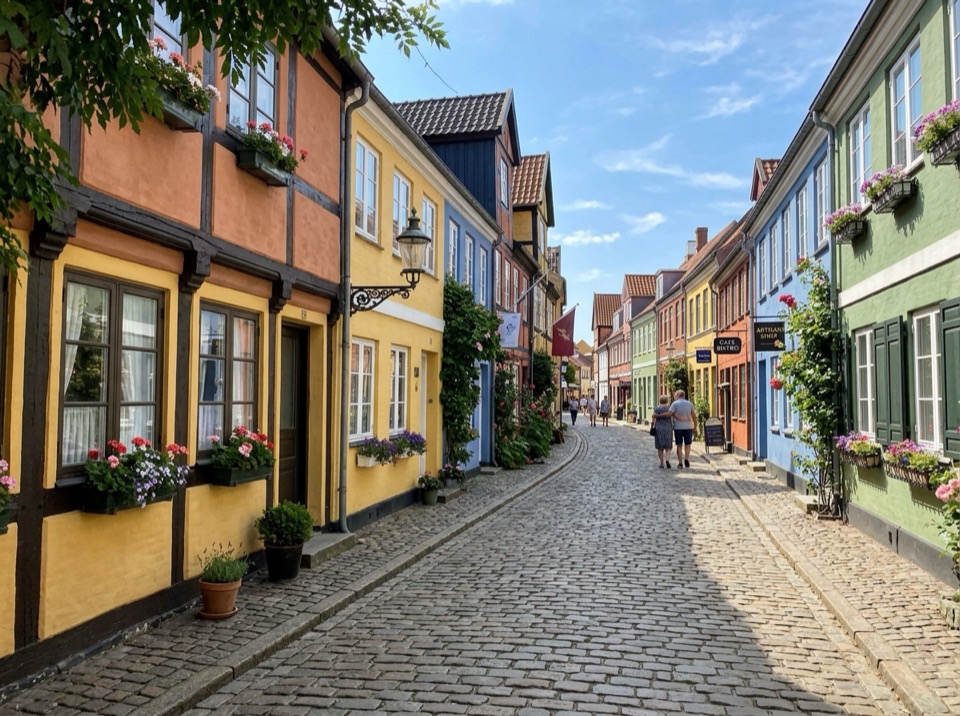
“Make it a snowy winter night: snow on the roofs and street, warm light in the windows, falling snow. Keep the buildings and the camera angle.”
图生图 · Nano Banana 2 · 2K
用这个提示词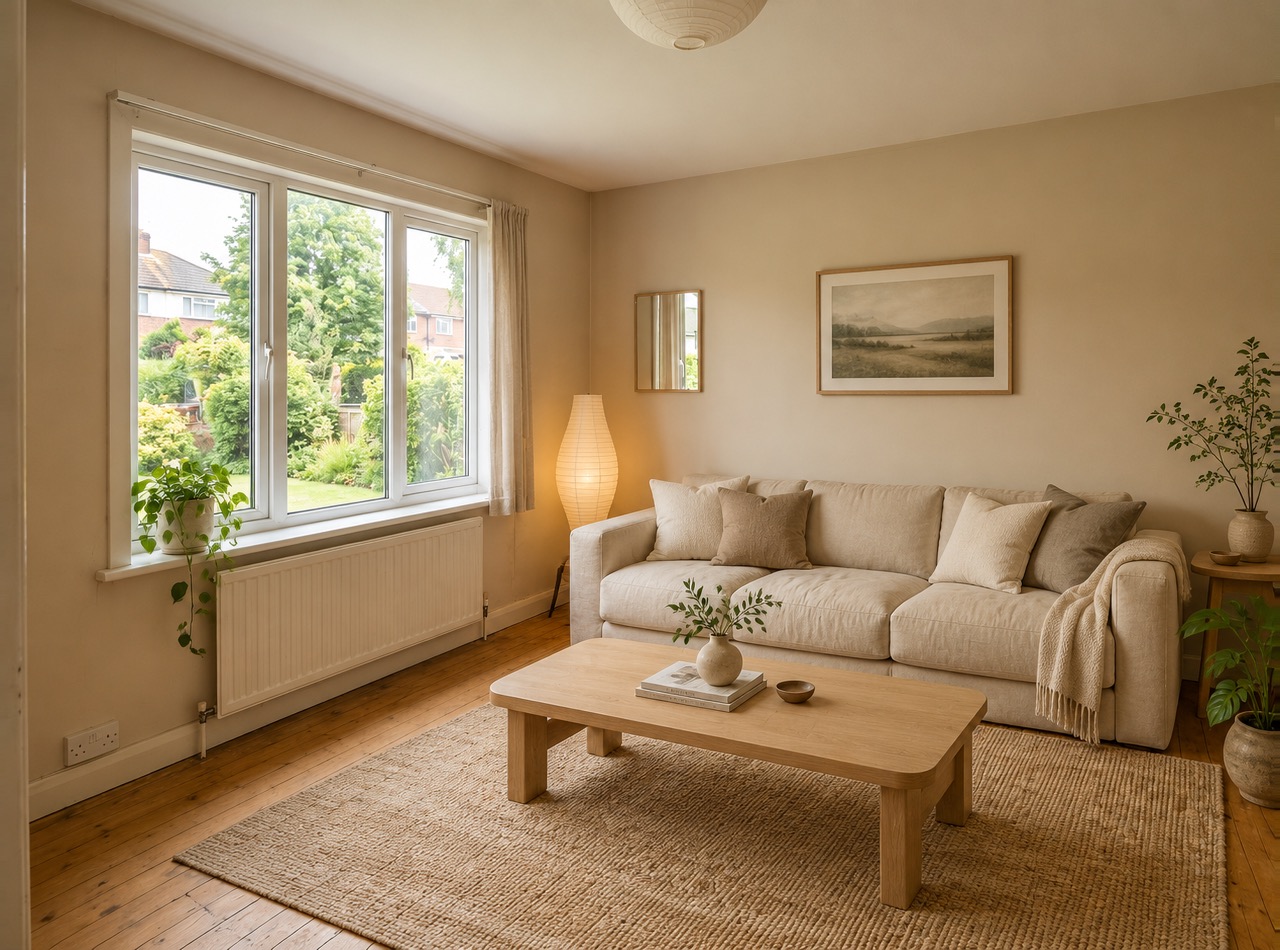 修改前修改后
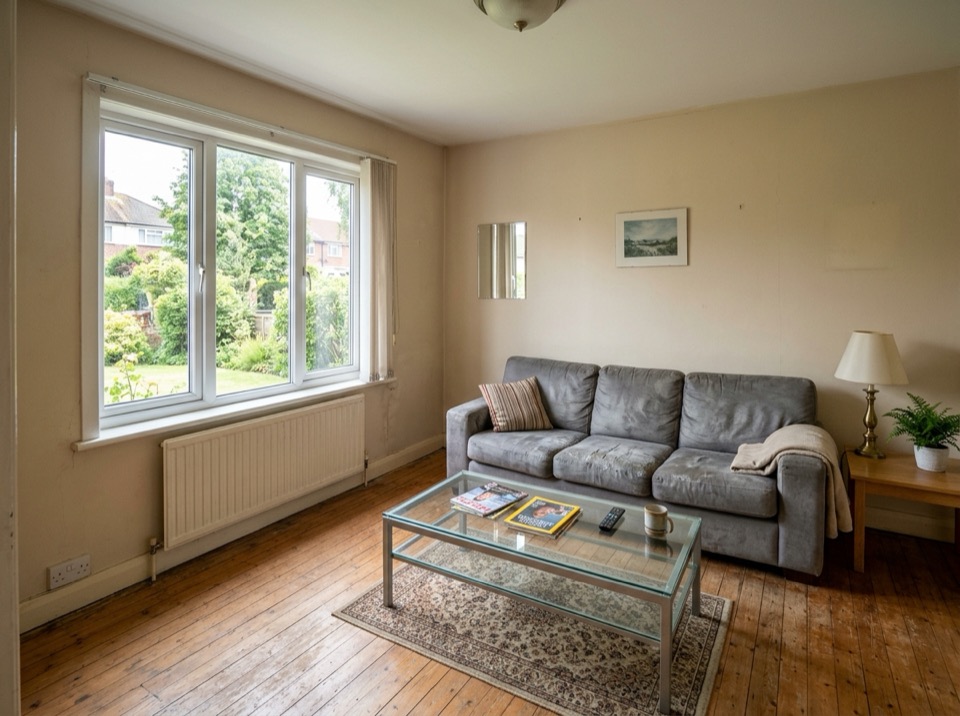
“Restyle this living room in a warm Japandi style: light oak, linen sofa, paper lamp, a few plants. Keep the windows, walls and layout.”
图生图 · GPT Image 2 · 2K
用这个提示词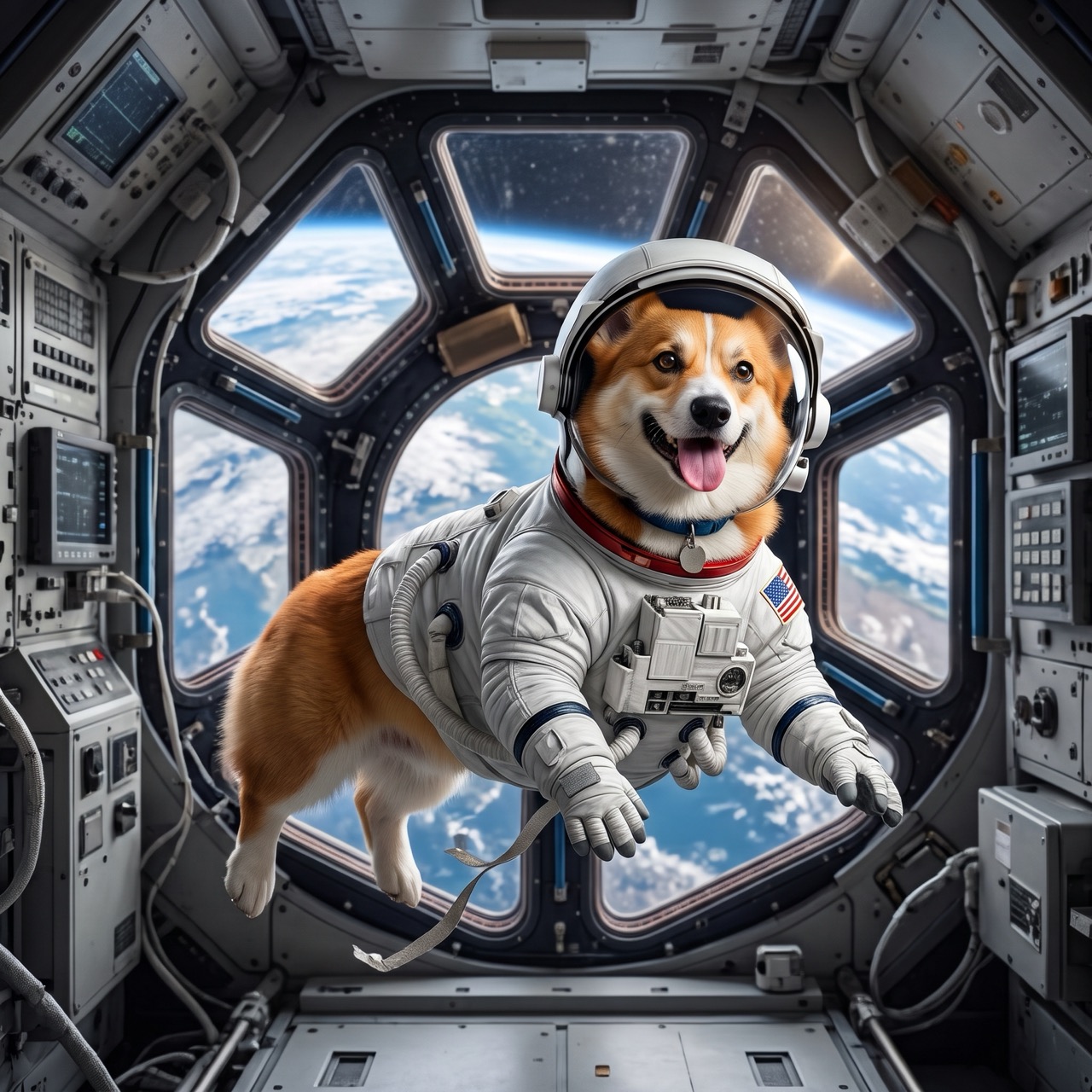 修改前修改后
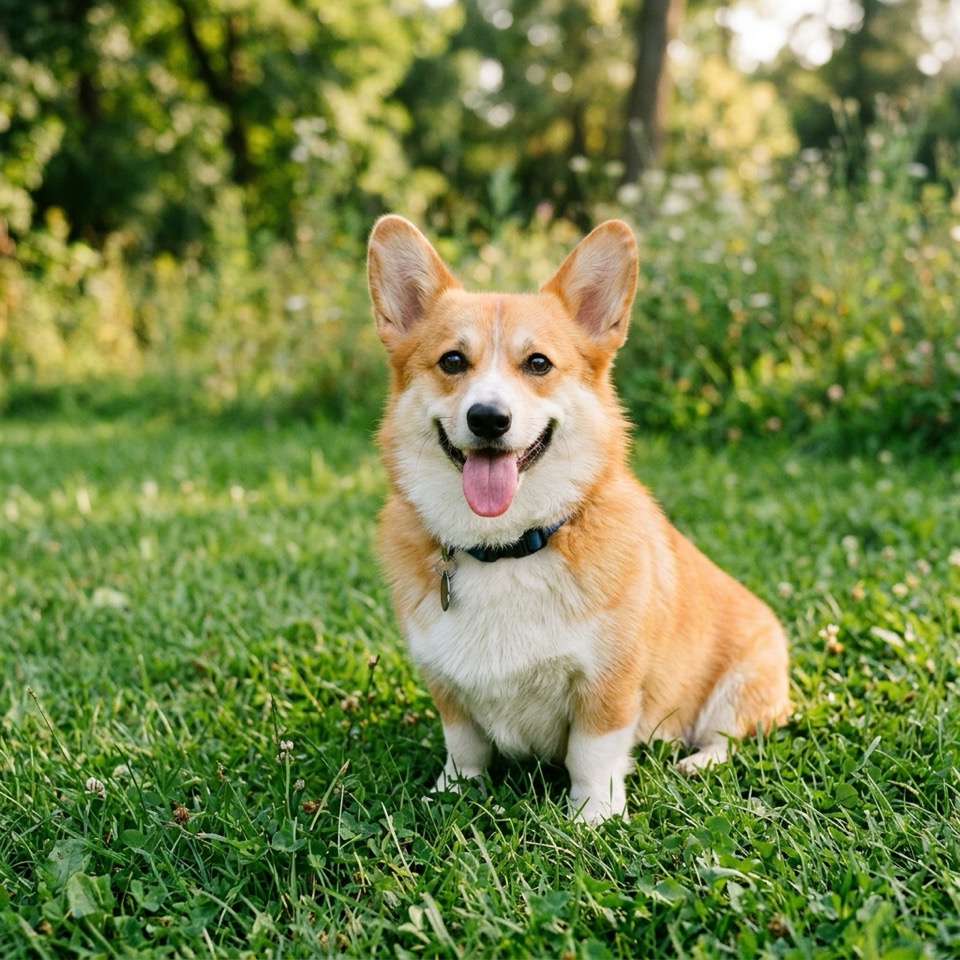
“Put the dog from Image 1 in the astronaut suit from Image 2, floating inside a space station, Earth in the window. Keep the dog's face and fur color.”
图生图 · Nano Banana 2 · 2K
用这个提示词
像给修图师提需求一样修照片
AI 图片编辑器靠指令而不是工具来改图:「去掉背景里的人」「改成下雪的傍晚」「把沙发换成绿色」。模型会找到你说的地方,改掉它,再把其余部分重新画得协调一致。
要保留什么和要改什么一样写清楚(「她的脸和姿势保持不变」),每次只改一两处;结果可以重新上传再改。默认用 Nano Banana 2;文字和长指令交给 Nano Banana Pro 或 GPT Image 2 效果最好。
支持 10 MB 以内的 JPG、PNG 或 WebP;手机拍的 HEIC 照片和超大图片会在浏览器里自动转成 JPEG。上传的图片 30 天后删除。
Image To Image AI 是独立服务,与 Google、OpenAI、字节跳动均无关联,也未获其认可。Nano Banana 是 Google Gemini 图像模型的昵称;相关商标归其所有者。
使用步骤
三步,通常不到一分钟。
- 01
上传图片
添加一张或多张 JPG、PNG 或 WebP 图片,每张不超过 10 MB。也可以跳过这一步,直接用文字生成。
- 02
说明要改什么
用大白话描述修改内容和要保留的部分,比如「改成黄昏的光线,保留她的脸和裙子」。多张图时,用 Image 1、Image 2 指代。
- 03
生成并下载
选好模型、分辨率和画面比例,看一眼按钮上的价格,生成好就能下载。
AI 图片编辑常见问题
在上方上传照片,描述要改什么、保留什么,然后点「生成」。修改后的图片通常 10 到 60 秒完成,可以直接下载,也可以再上传继续改。
背景、光线、时间、天气、衣服、颜色、发型、物体(添加或去掉)、风格(水彩、3D、动漫),以及招牌或包装上的文字。也可以把几张图合成,比如把商品放进新场景。
只要你写明,通常可以:「脸、发型和表情保持完全不变」。Nano Banana 2 和 Nano Banana Pro 对人物的一致性最好。姿势或角度改动很大时,更难保持本人相貌。
可以免费开始:新账号赠送 10 积分(5 张 Nano Banana 2 图片),每天签到还能免费生成一张 Nano Banana 2 1K 图片。之后每次编辑 2 积分起。
从 2 积分(Nano Banana 2,1K)到 6 积分(Nano Banana Pro,4K),按最小积分包算,一次基础编辑约 $0.07。无需订阅。
是的。上传的图片和生成结果只有你能看到,也绝不会用作我们的示例。上传的图片 30 天后删除,生成结果保留到你删除为止。